Motherboards button
Moederbord Series
Graphics Card button
Grafische kaart Series
Monitors button
Monitor Gamer
Power Supply button
Power Supply
Mini PC button
Mini PC Series
AIO Liquid Coolers button
AIO Liquid Coolers
Industrial PC button
Industriële PC Series
Server/WS button
Server/Werkstation Series
Loading

We use cookies to offer you a more personalized and smoother experience.
By visiting this website, you agree to our use of cookies. If you prefer not to accept cookies or require more information, please visit our Privacy Policy.

FAQ

Als u precies weet waarover w vraag gaat dan kunt u een van deze categorieën kiezen. Categorieën:

Resultaten:
Q (Q&A-184|544): My system has hardware monitoring software installed, such as HWiNFO64. My computer fails to boot after restarting. What should I do?(5/14/2025)
A:On the AMD AM5 platform, restarting the system while hardware monitoring software is running may cause a reboot to fail.
If your system can boot normally but encounters issues during a restart, please close all hardware monitoring software and try restarting the system again.
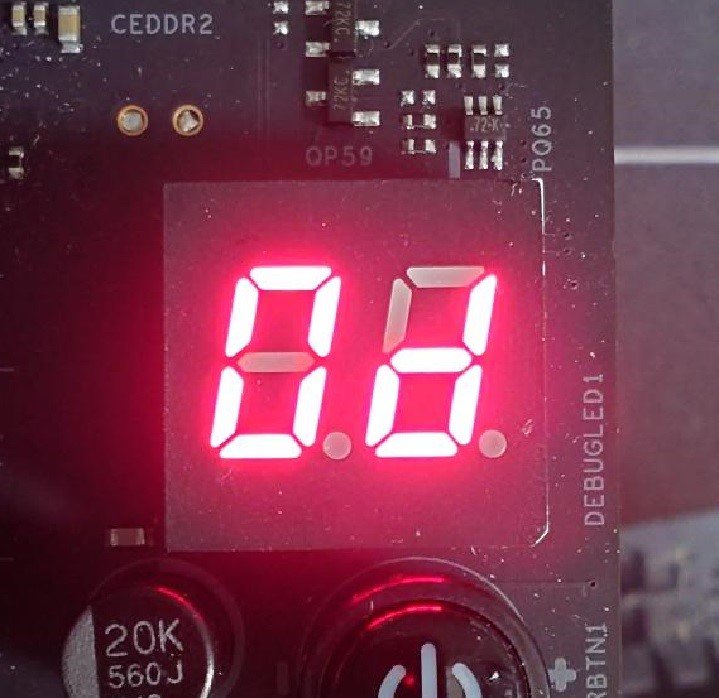
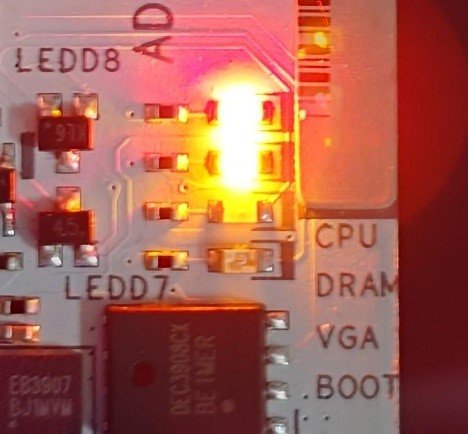
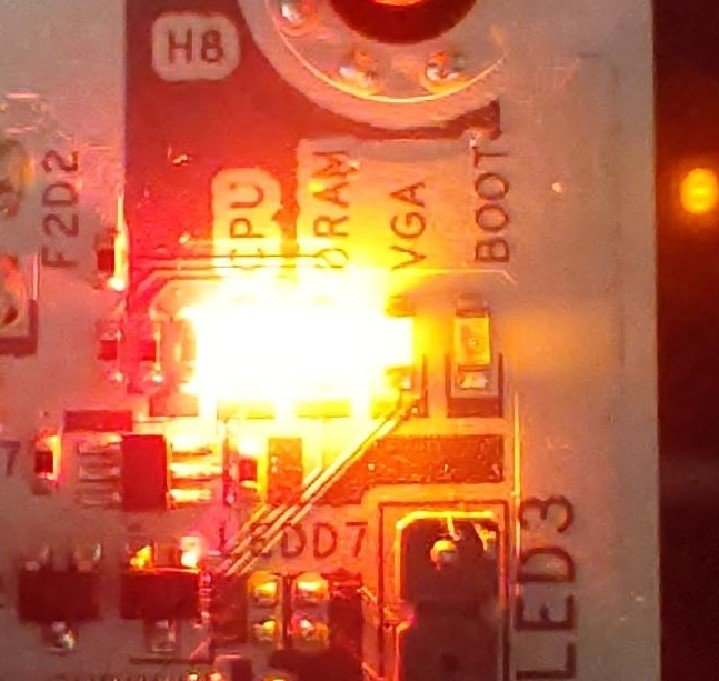
When the system fails to reboot properly, the motherboard's "Dr. Debug” display and "Post Status Checker (PSC)” may show the following statuses:

X870E Nova WiFi

X870 Pro RS

X870 Steel Legend WiFi

Dr. Debug display "0d”.

The CPU and DRAM LEDs will remain solidly lit.

The CPU LED will remain solidly lit, and the DRAM LED will blink.

Dr. Debug display The CPU and DRAM LEDs will remain solidly lit.The CPU LED will remain solidly lit, and the DRAM LED will blink.


#AM5 #reboot #Dr. #Debug #Post #Status #Checker #PSC