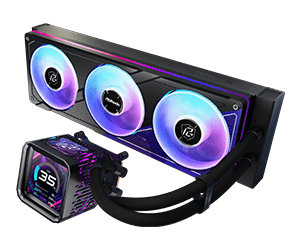
Answer:A small amount of air inside the cooling loop is normal for all AIO liquid coolers. During the initial installation, air bubbles may temporarily circulate through the pump or water block, which can cause bubbling or gurgling noise.
To help remove trapped air and ensure optimal performance:
1. Check radiator placement
Make sure the radiator is installed higher than the pump whenever possible. For further guidance, please check the online user manual.
2. Max out the pump speed
Set the pump speed to 100%.
3. Let the pump run
Let the system run for approximately 30–60 minutes.
4. Gently tilt the case
If necessary, gently tilt the chassis to help air bubbles move into the radiator.
Once the air bubbles have settled in the radiator, the noise should gradually disappear and normal quiet operation will resume.
#AIO #Liquid Cooling #Water #Cooler #Noise #Sound #360 #240
 Menu
Menu