R:Please make sure your system meets the minimum requirements and follow below steps to enable Intel Application Optimization.
Supported Processors:
Intel® Core™ 12th i5/i7/i9 processor
Intel® Core™ 13th i5/i7/i9 processor
Intel® Core™ 14th i5/i7/i9 processor
Supported OS:
Windows 11 22H2 or later
Motherboard:
ASRock Intel 700 or 600 series motherboard with the latest BIOS.
Instructions for enabling Intel Application Optimization.
1. Enable the BIOS option "Intel Dynamic Tuning Technology”. It can be found under OC Tweaker\CPU Configuration.
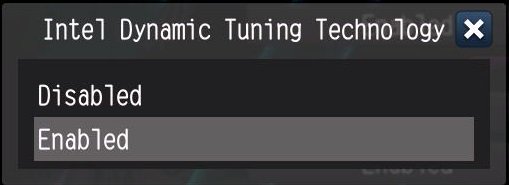
2. Download the Intel Dynamic Tuning Technology driver from the motherboard's download page.
https://www.asrock.com/index.asp
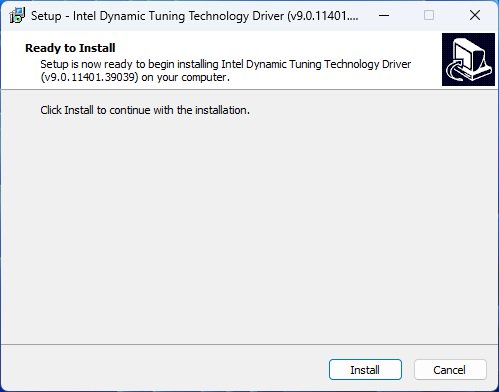
3. Install the Intel Dynamic Tuning Technology driver.
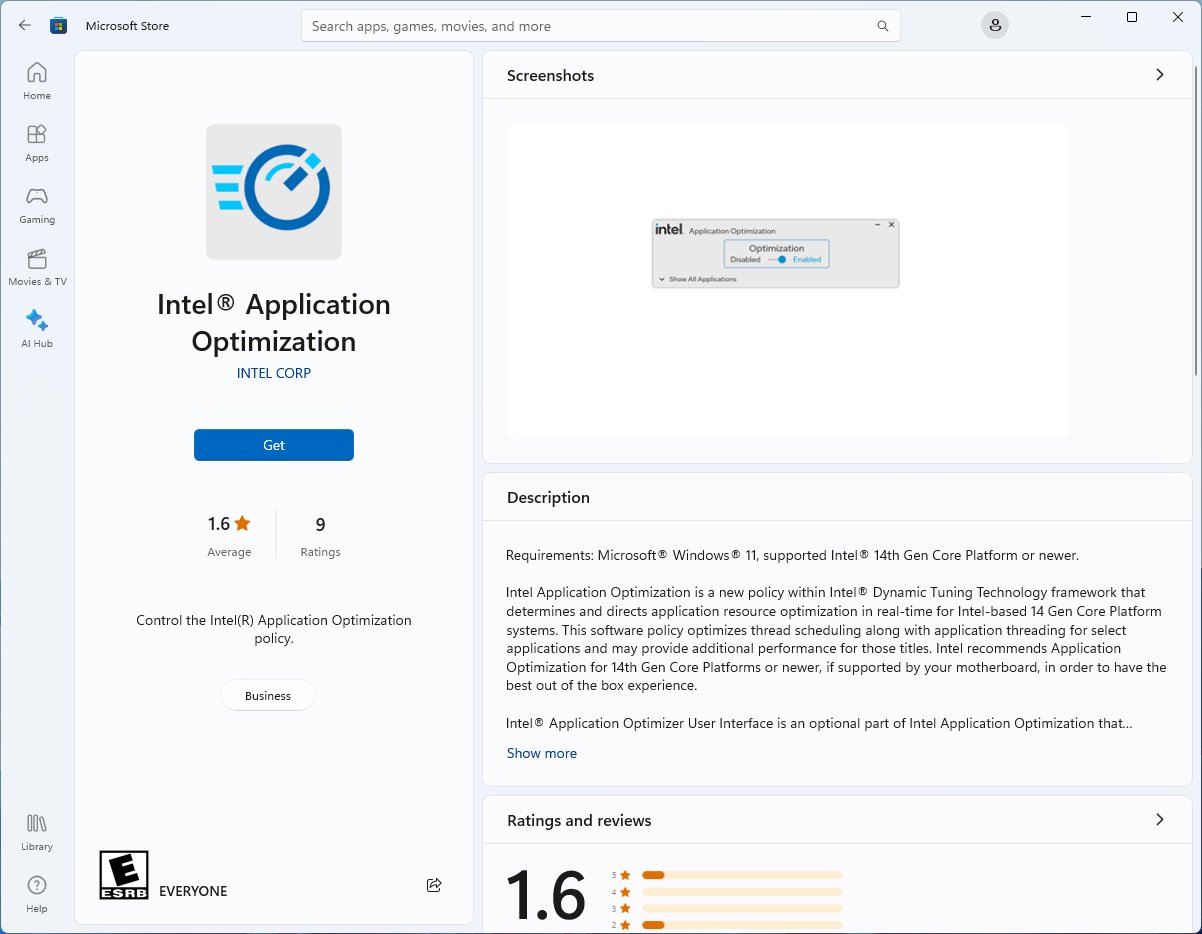
4. Install the Intel Application Optimization app from Microsoft Store.
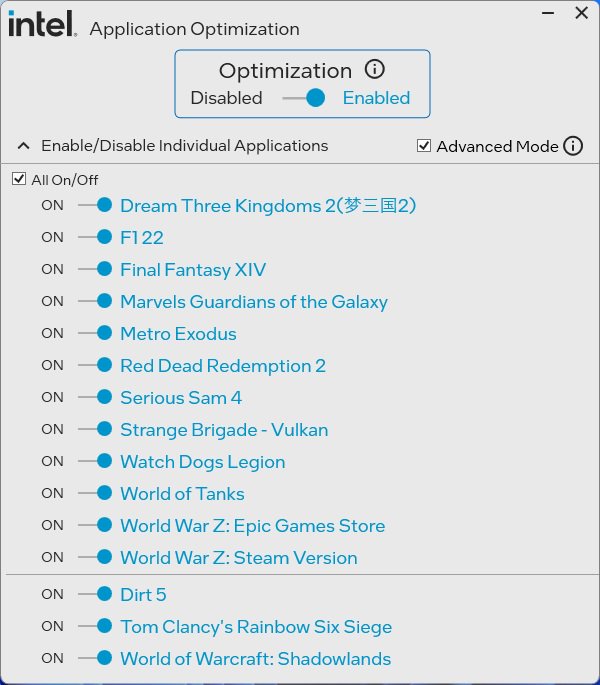
5. Change Option of optimization to enable the APO. Some CPU requires to enable the "Advanced Mode” to make the APO work.
For more information, please check the overview on Intel website.
https://www.intel.com/content/www/us/en/support/articles/000095419/processors.html
#Intel #APO #Application #Optimization #DTT #Dynamic #Tuning #Technology #14 #14900K #14900KF #14700K #14700KF
 Menú
Menú







