We use cookies to offer you a more personalized and smoother experience. By visiting this website, you agree to our use of cookies. If you prefer not to accept cookies or require more information, please visit our Privacy Policy.

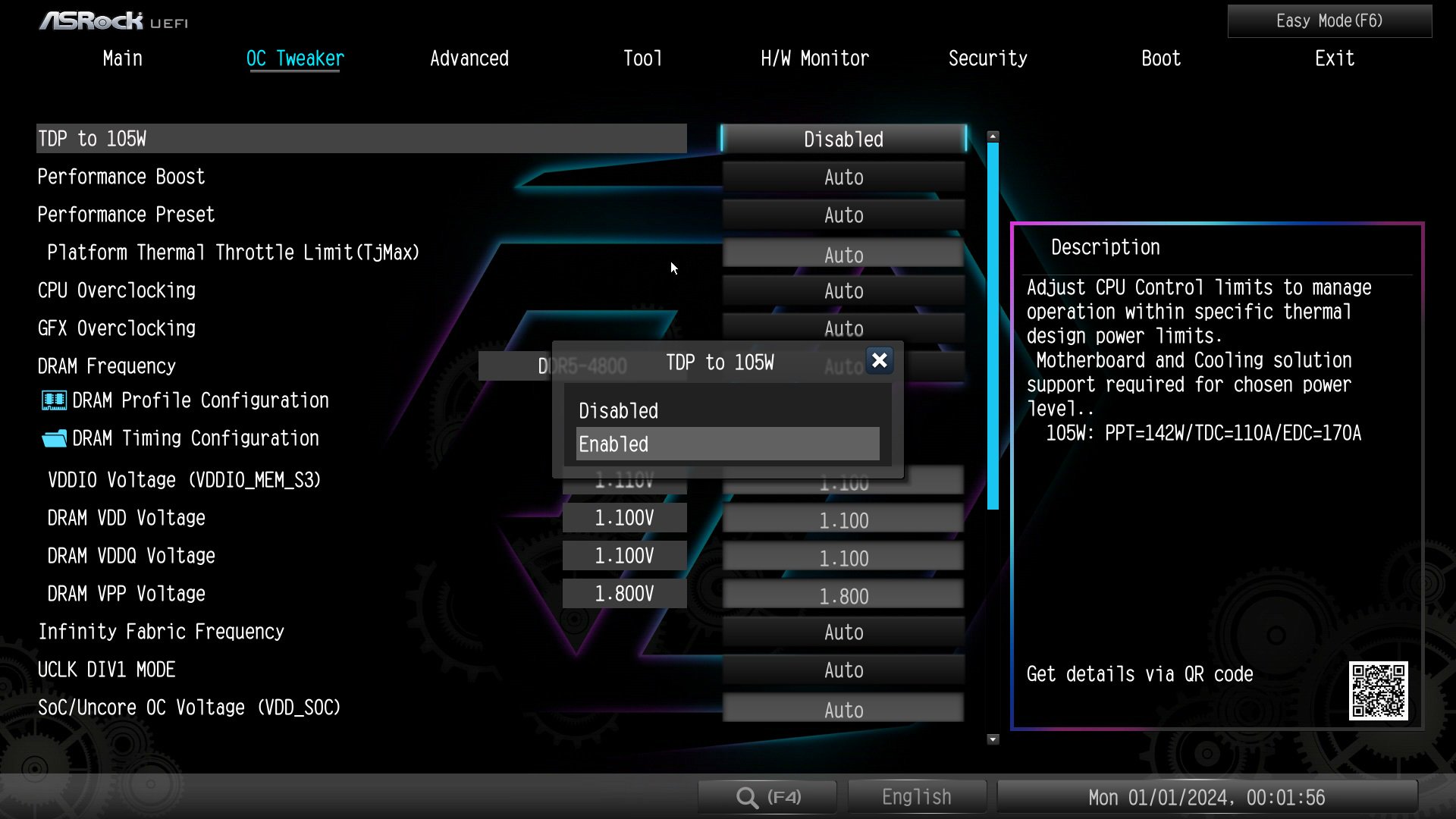
Question: How can I allow the cTDP of my 9700X/9600X to boost to 105W?(9/20/2024) Answer: To adjust the cTDP of the 9700X/9600X to 105W, please download a BIOS version with AGESA code 1.2.0.2 or later from ASRock's official website.
After updating the BIOS, go to OC Tweaker and enable the option to set the TDP to 105W. Please note that not all AM5 motherboards might support this option.
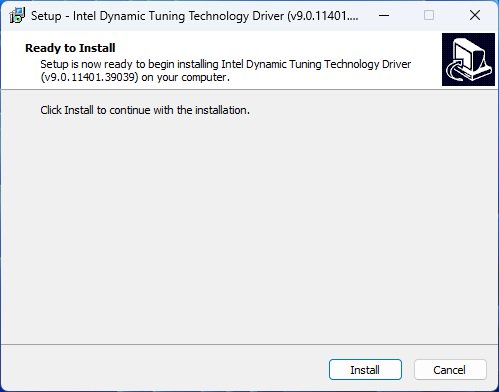
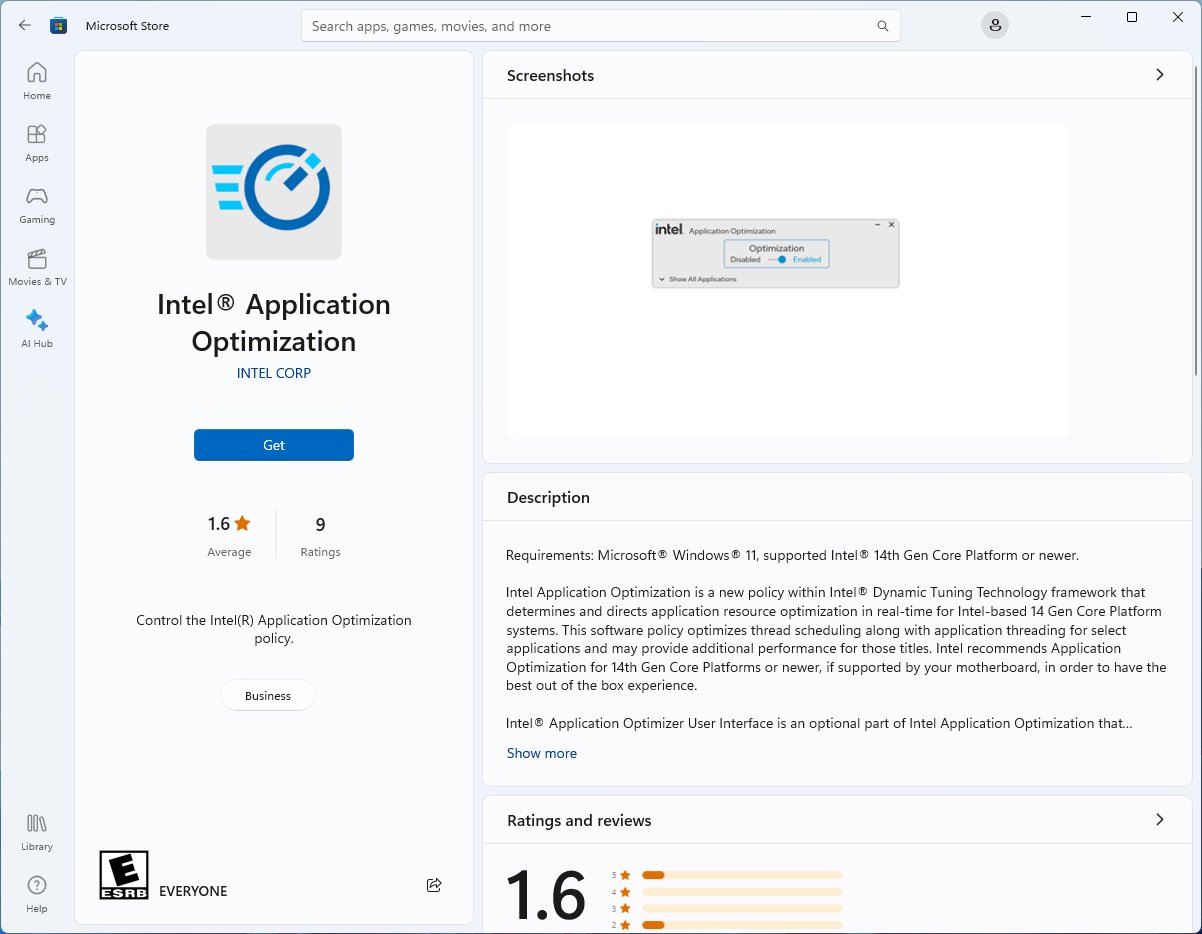
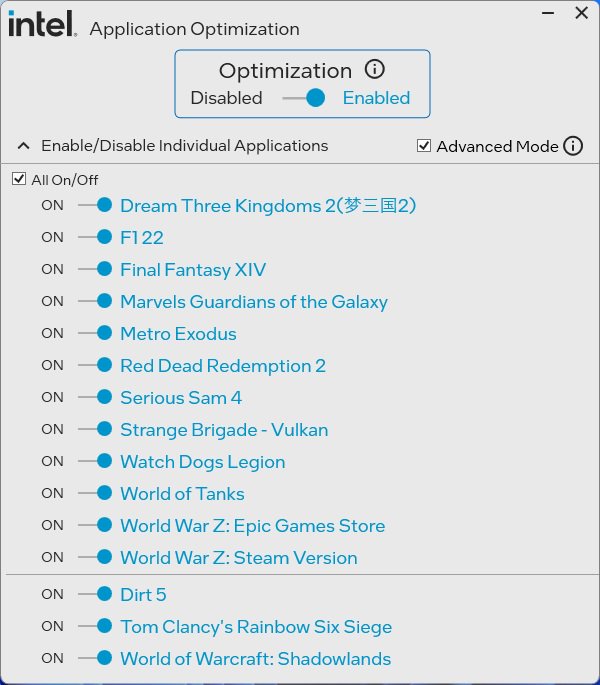
Question: How to enable Intel Application Optimization with Intel Core 14th Generation processors?(11/1/2023) Answer: Please make sure your system meets the minimum requirements and follow below steps to enable Intel Application Optimization.
Supported Processors:
Intel® Core™ 12th i5/i7/i9 processor
Intel® Core™ 13th i5/i7/i9 processor
Intel® Core™ 14th i5/i7/i9 processor
Supported OS:
Windows 11 22H2 or later
Motherboard:
ASRock Intel 700 or 600 series motherboard with the latest BIOS.
Instructions for enabling Intel Application Optimization.
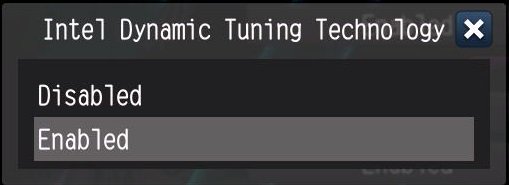
1. Enable the BIOS option "Intel Dynamic Tuning Technology”. It can be found under OC Tweaker\CPU Configuration.
Question: How do I adjust the shared memory while using Raven Ridge CPU on AM4 platform?(3/1/2018) Answer: Please adjust the "UMA Frame buffer Size” under Advanced\North Bridge Configuration:
*To support 4GB shared memory or above, please adjust CSM support to Disable under Boot tab firstly.
If you don't see ”UMA Frame buffer Size” under North Bridge Configuration, please follow the steps below to find it and adjust the OC settings.
1. Please press "F2” or "Del” during POST to enter BIOS setup
2. Refer to the following path to adjust the OC setting.
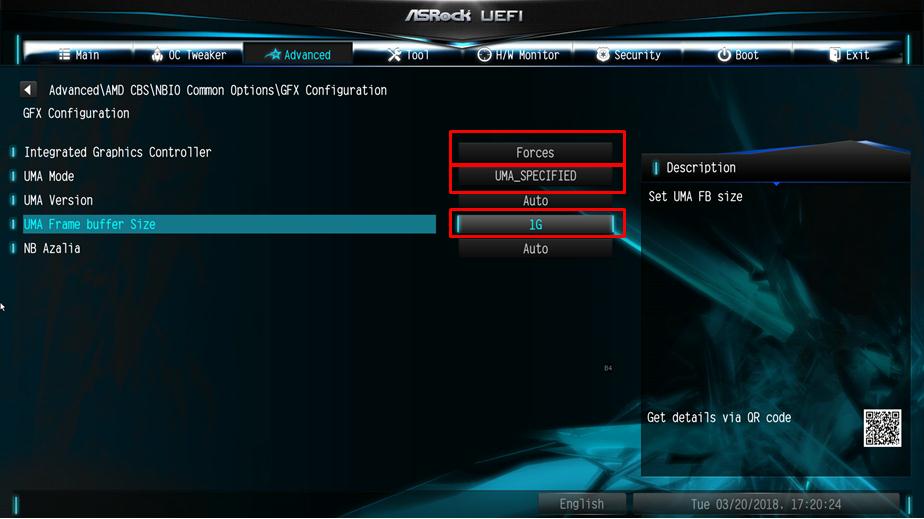
a. Advanced\AMD CBS\NBIO Common Options\GFX Config IGC :Forces
b. Advanced\AMD CBS\NBIO Common Options\UMA Mode : UMA_Spec
c. Advanced\AMD CBS\NBIO Common Options\UMA Frame Buffer Size: Choose a prefer size
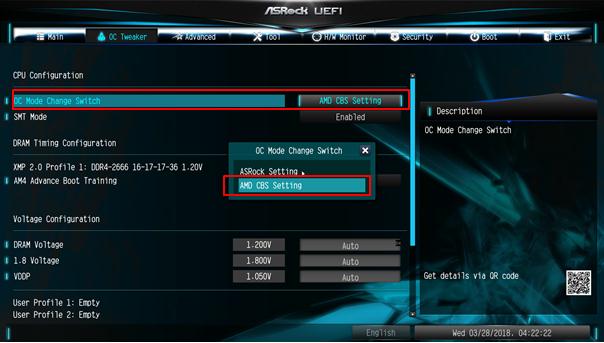
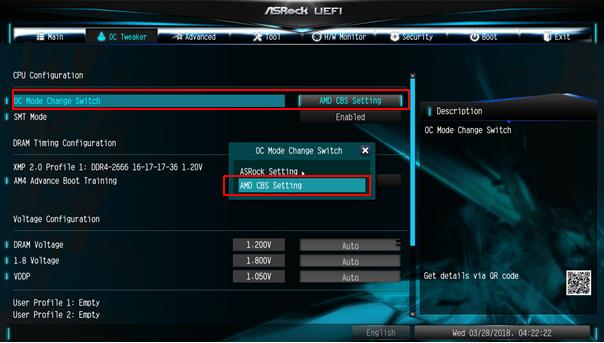
d. OC Tweaker\OC Mode Change Switch\AMD CBS Setting
3. After adjustment, press "F10” to save the configuration.
Question: If I want to change voltage in BIOS setting for Ryzen CPU on AB350 series motherboards, how do I do?(3/1/2017) Answer: The voltage setting option for Ryzen CPU is supported by the new BIOS update.
(BIOS ->OC Tweaker-> CPU frequency & Voltage Change-> Manual)
Please visit ASRock Download zone and update the BIOS to the following BIOS or later versions.
Download link: https://www.asrock.com/support/index.asp