ASRock
 Menu Menu
We use cookies to offer you a more personalized and smoother experience.
By visiting this website, you agree to our use of cookies. If you prefer not to accept cookies or require more information, please visit our Privacy Policy.
Necessary cookies
These cookies are essential for the proper functioning of the website and cannot be turned off.
Analytics cookies
These cookies help us understand how visitors use our website.
Marketing cookies
These cookies are used to track visitors and display relevant advertisements.
Social media cookies
These cookies allow you to share pages and content on social media.
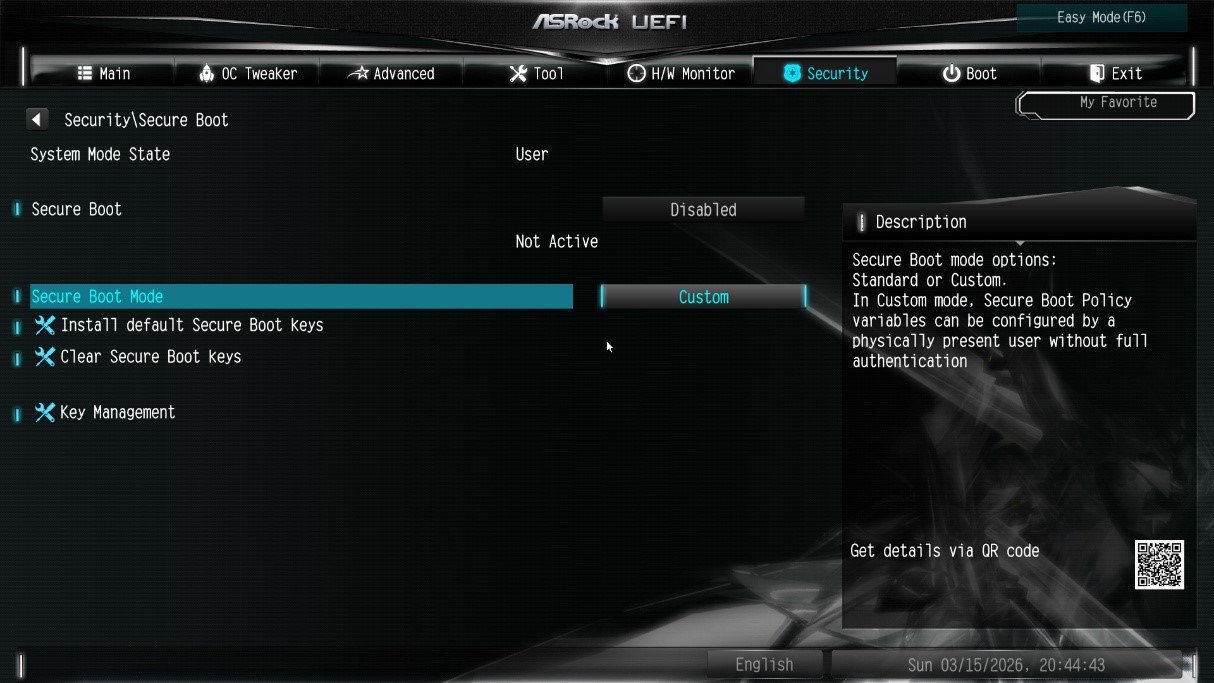
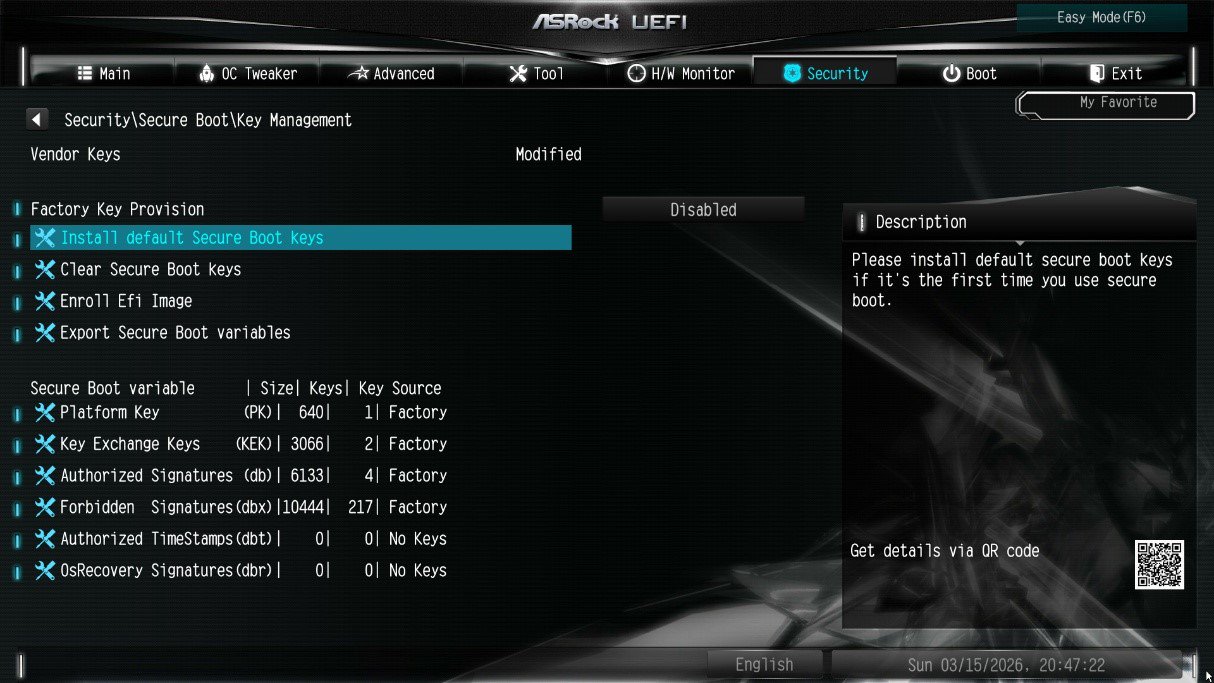
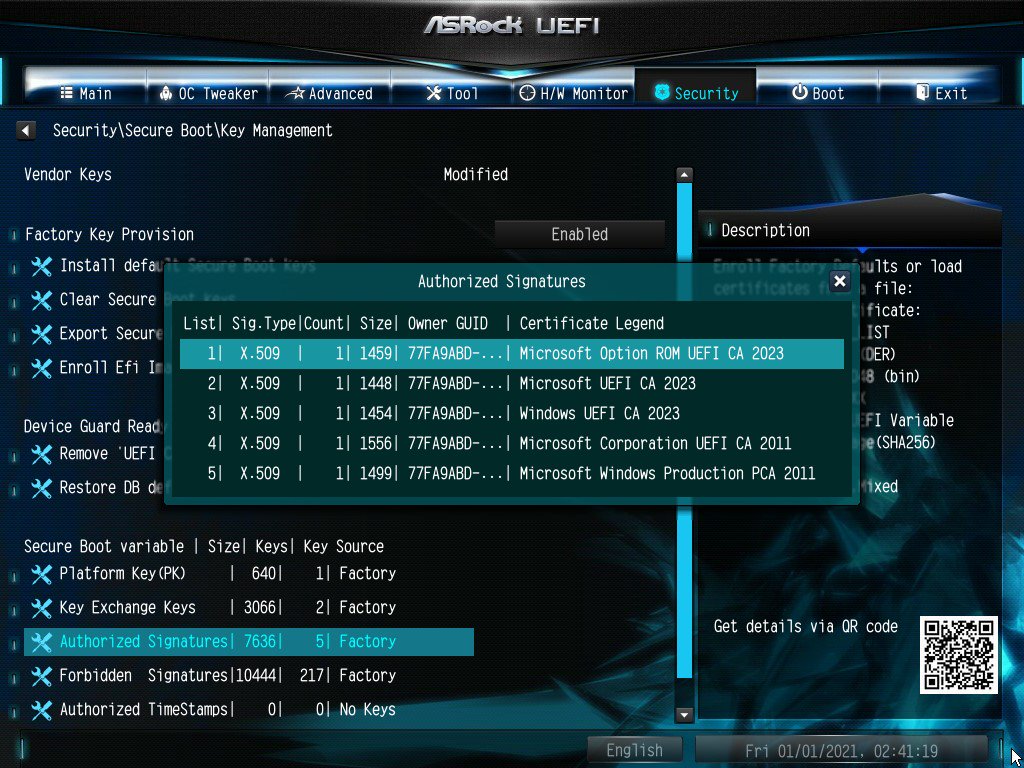
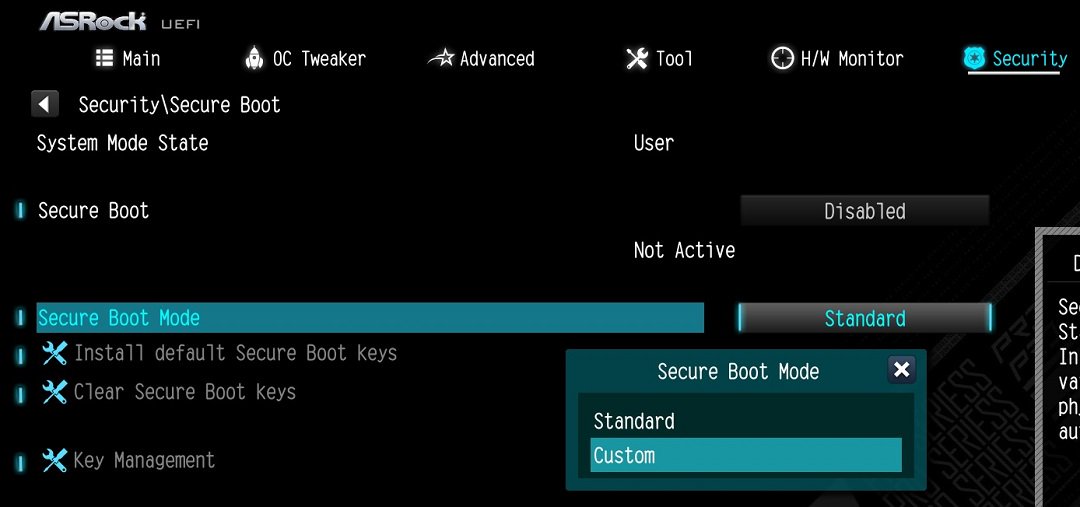
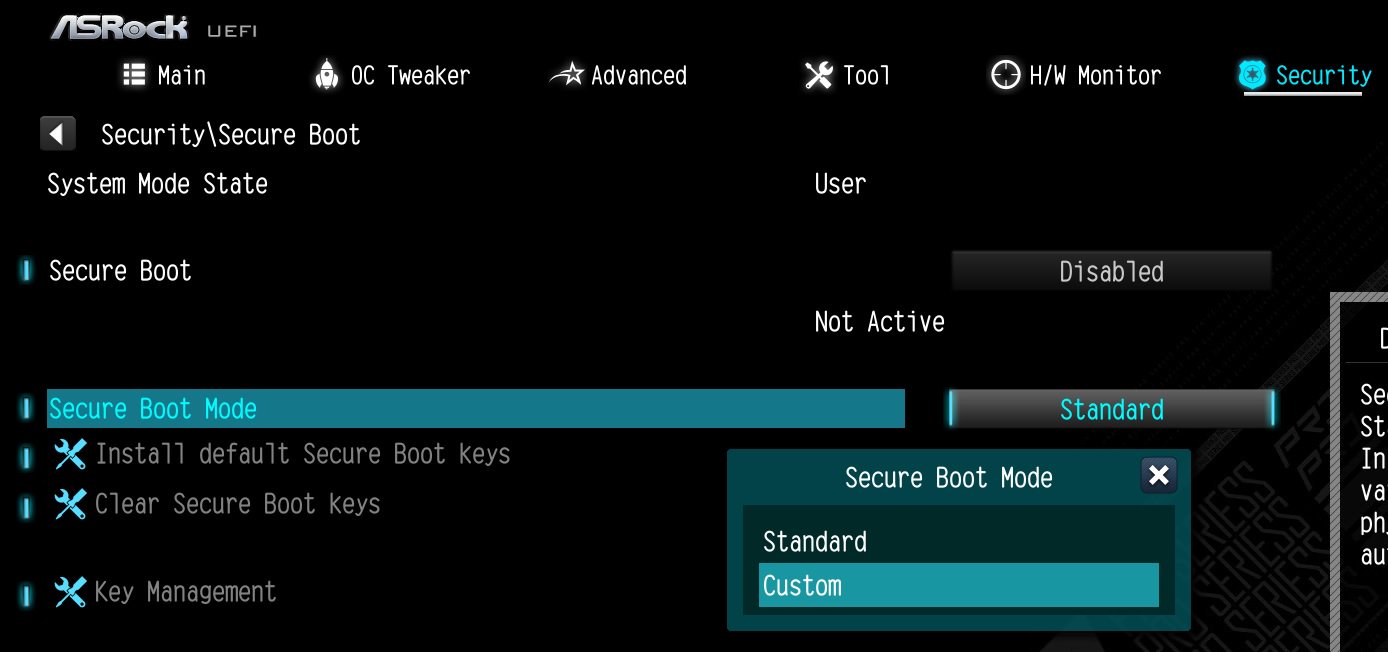
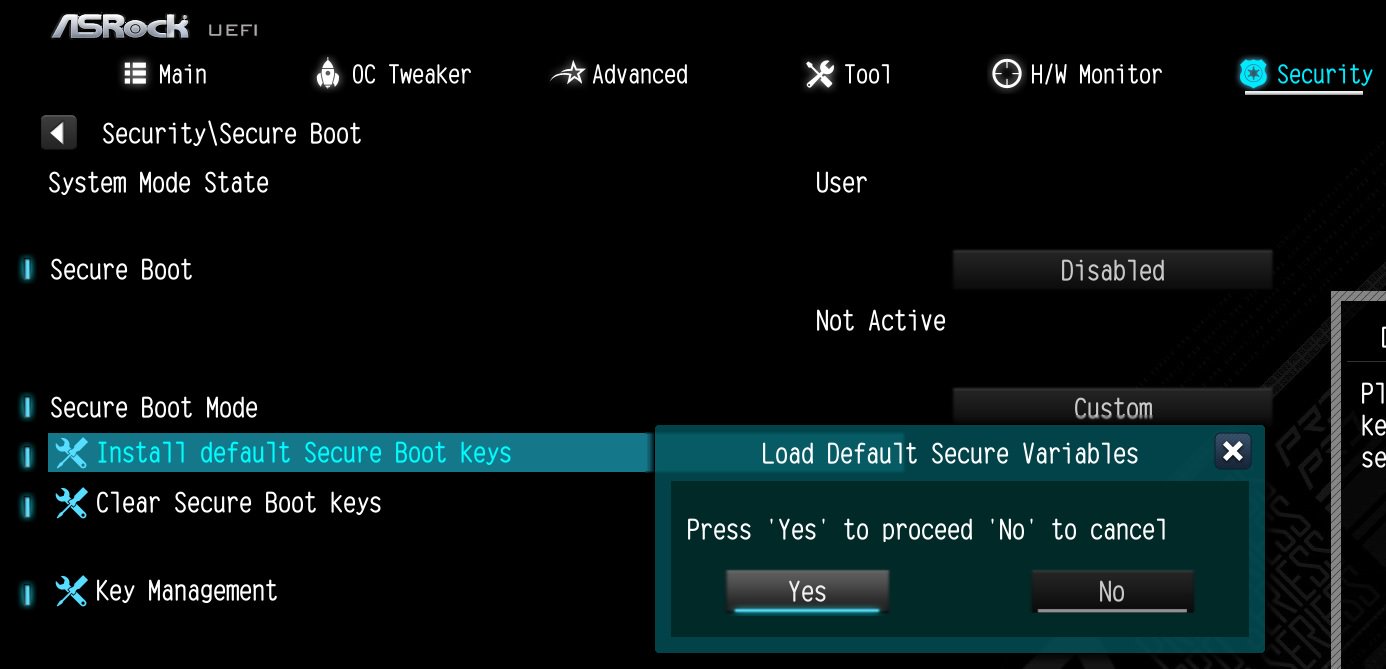
![Select Clear Secure Boot Keys, then choose [Yes].](/support/faq/190-2.jpg)
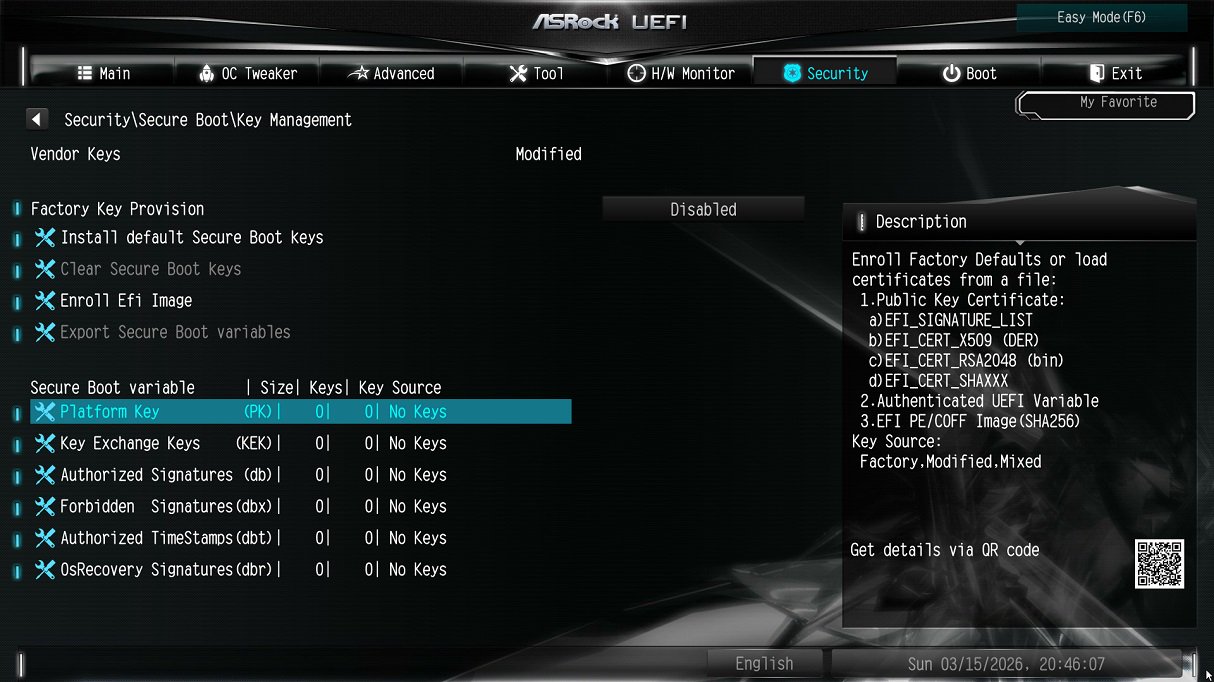
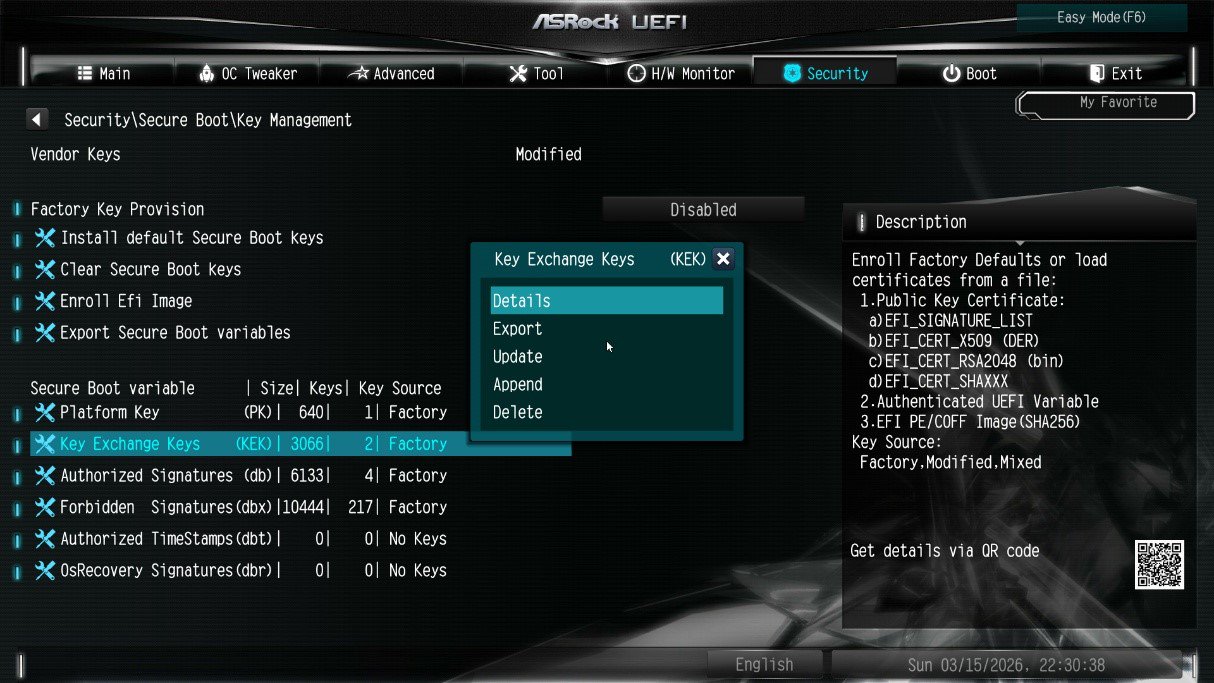
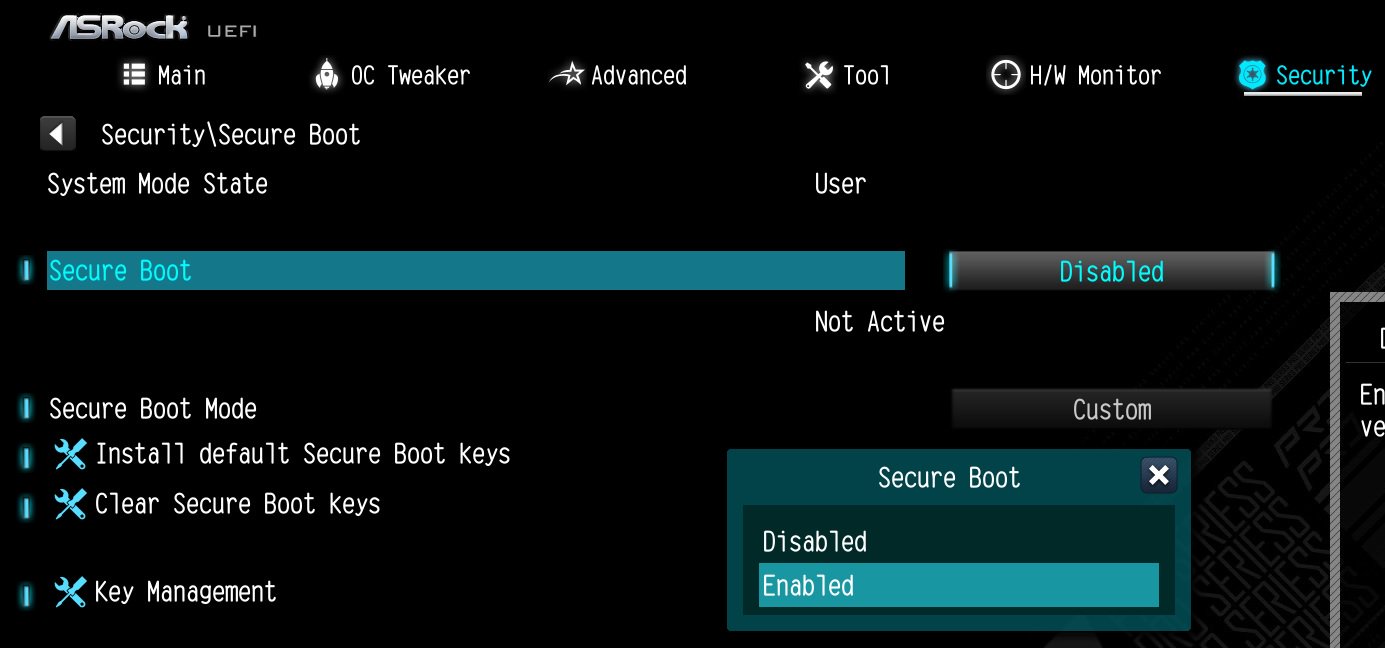
![After clearing the keys, select Install Default Secure Boot Keys, then choose [Yes].](/support/faq/190-4.jpg)


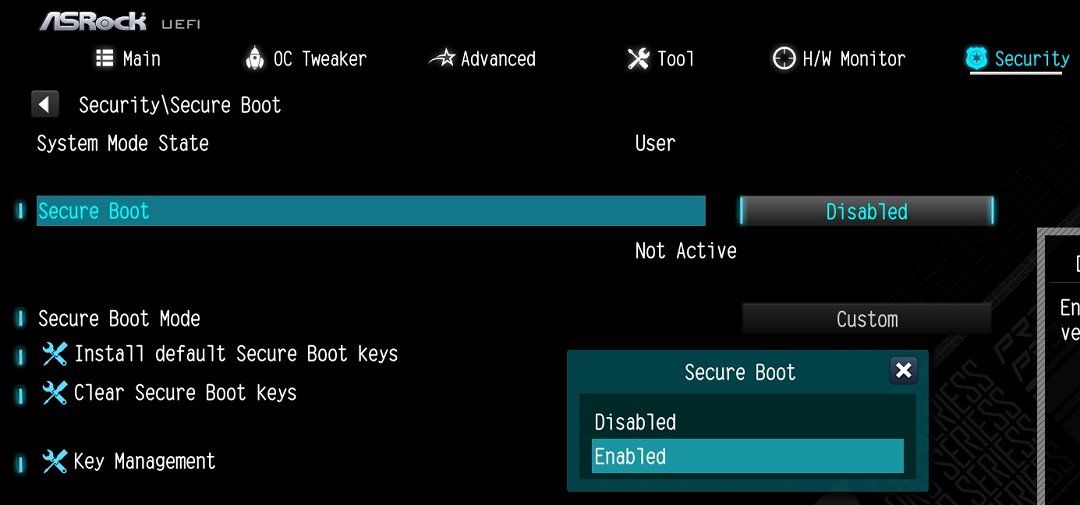
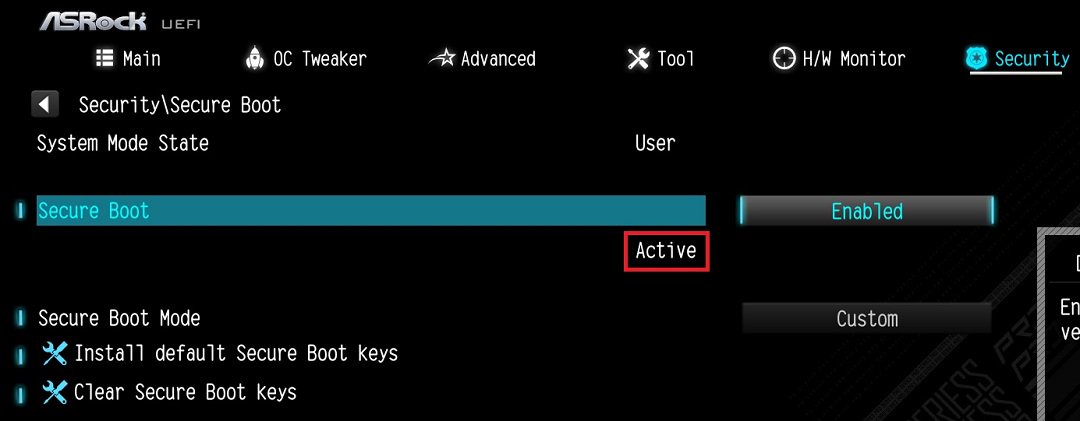
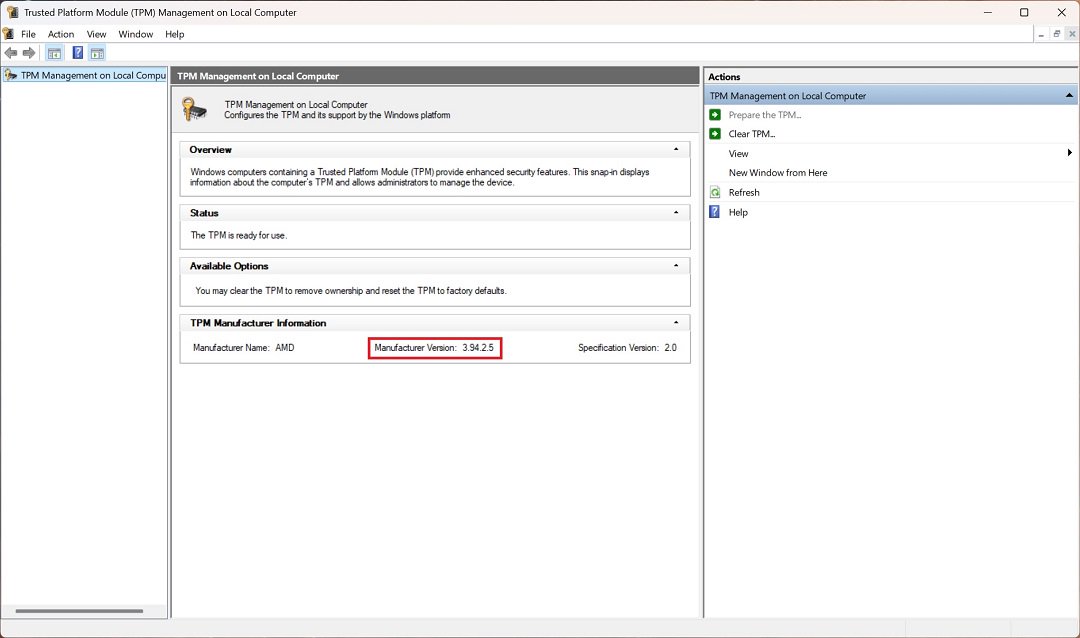
X870E Nova WiFi | X870 Pro RS | X870 Steel Legend WiFi |
Dr. Debug display "0d”. | The CPU and DRAM LEDs will remain solidly lit. | The CPU LED will remain solidly lit, and the DRAM LED will blink. |
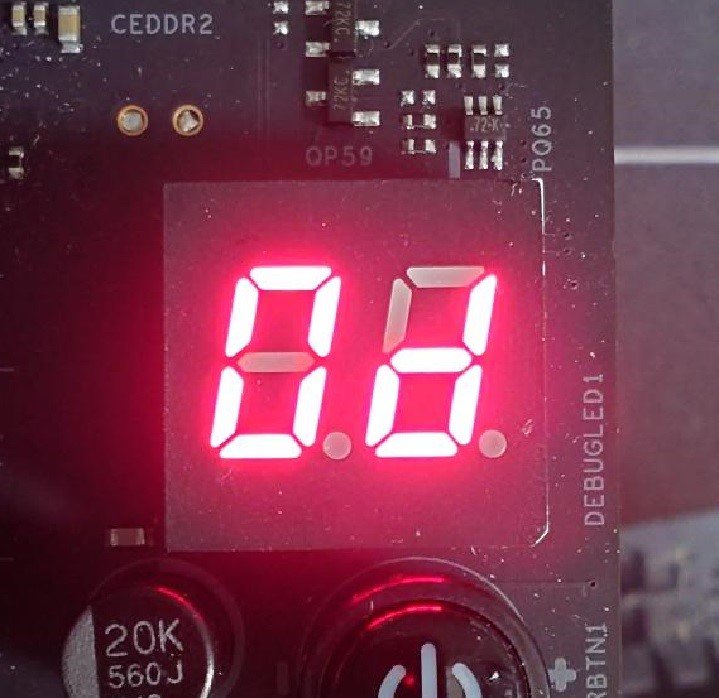 | 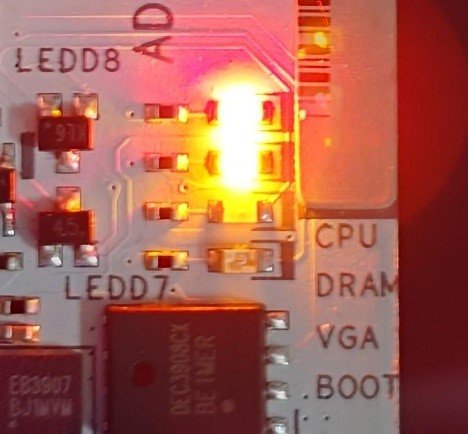 | 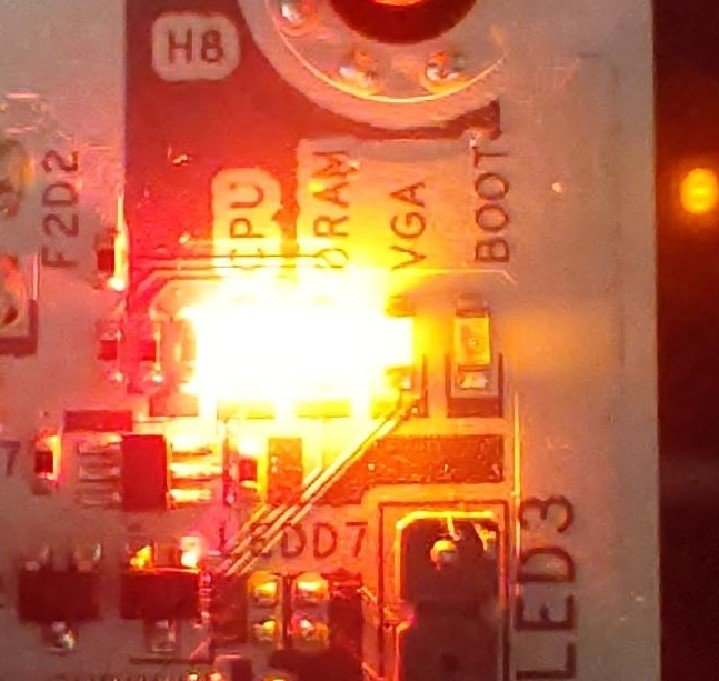 |


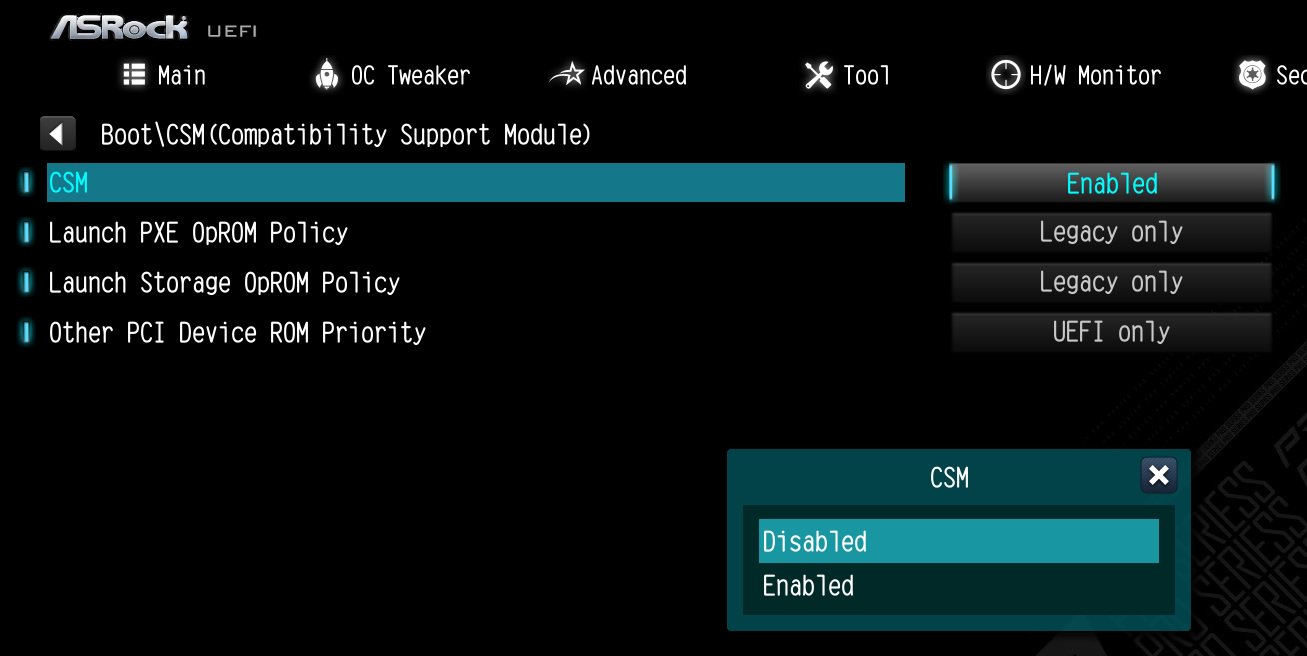


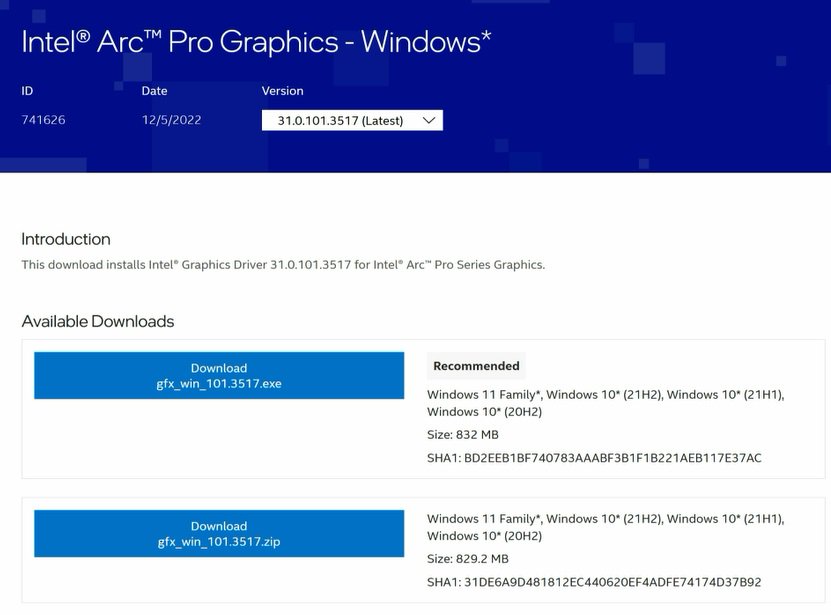
| A770 PGD | A770 CL | A750 CLD | A380 CLI | A770 LE | |
| Intel graphics card driver | Required | Required | Required | Required | Required |
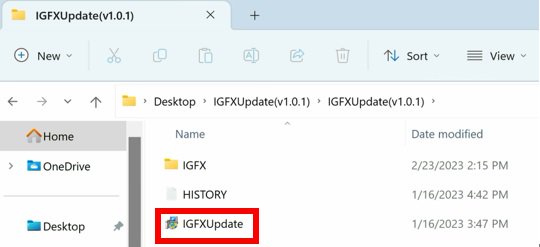
| Update the graphics card FW | Required | No need | Required | No need | No need |
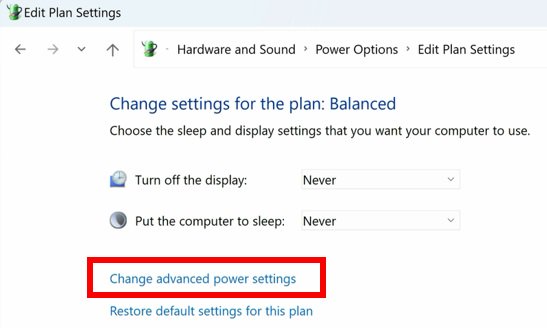
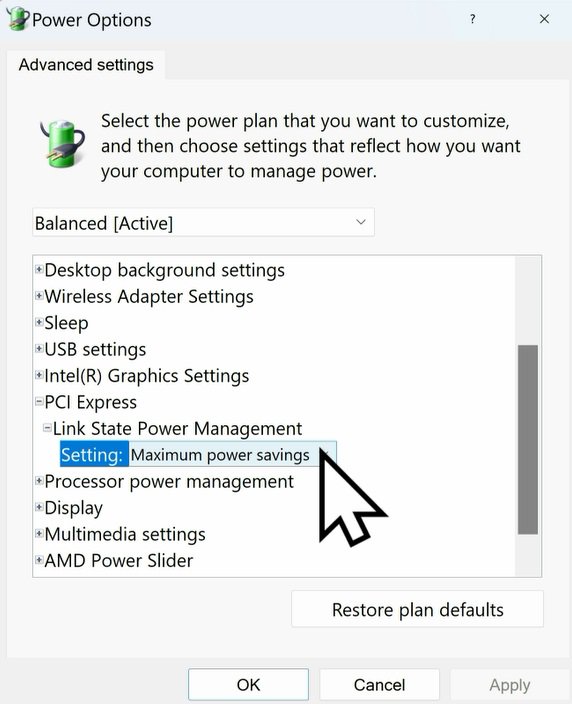
| Set PCIe power to "Maximum power savings" | Required | Required | Required | Required | Required |
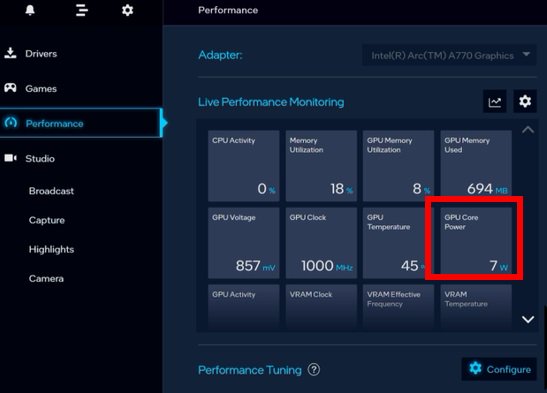
| Reinstall the graphics card driver and check the "GPU Core Power" | Required | No need | Required | No need | No need |
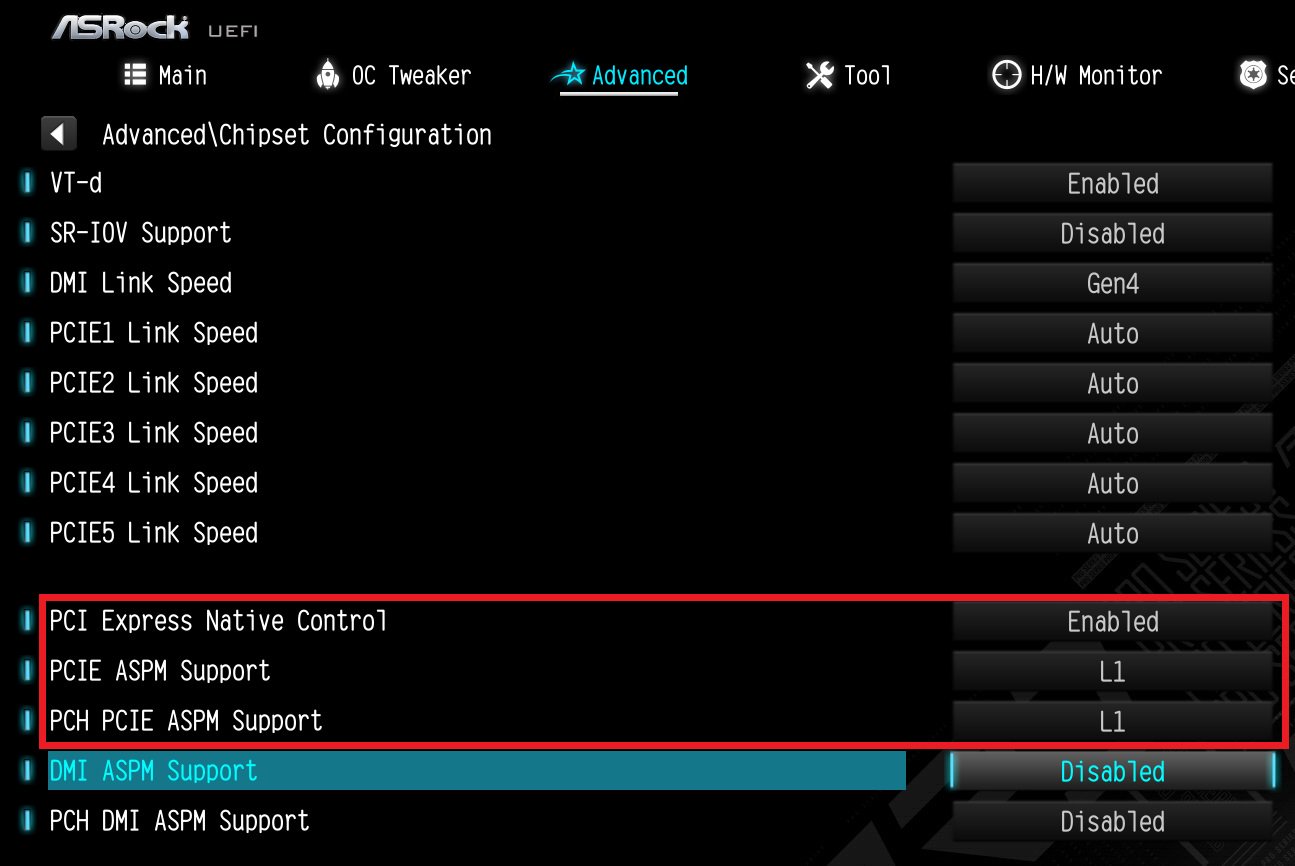
| Platform | 600 series | 500 series | 400 series | 300 series |
| BIOS version | Any version | Not supported | ||
| Unit: watt | Not idle | Idle (power saving) | Monitor off |
| A770 LE | ~35 | ~16 | ~1 |
| A770 PGD | ~29 | ~7 | ~1 |
| A750 CLD | ~42 | ~32 | ~11 |
| A380 CLI | ~17 | ~15 | ~6 |
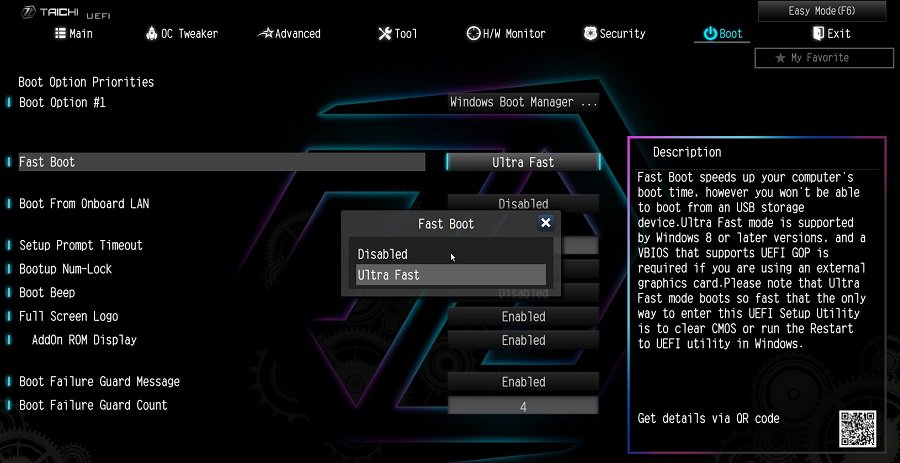
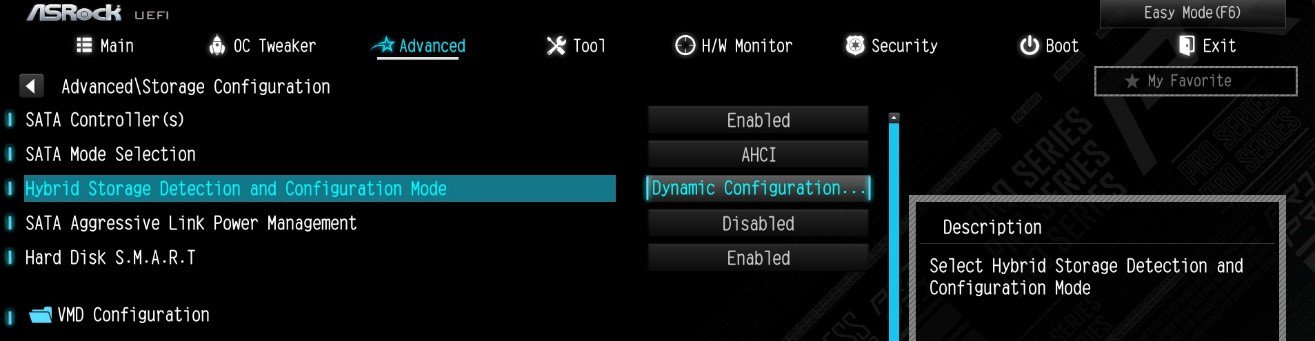
![Set Enable VMD Global Mapping to [Enabled]. Press F10 to save the changes and exit setup.](/support/faq/167-4.jpg)
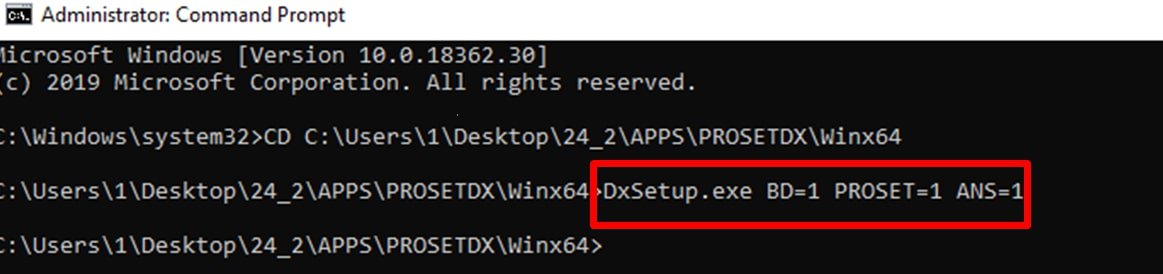
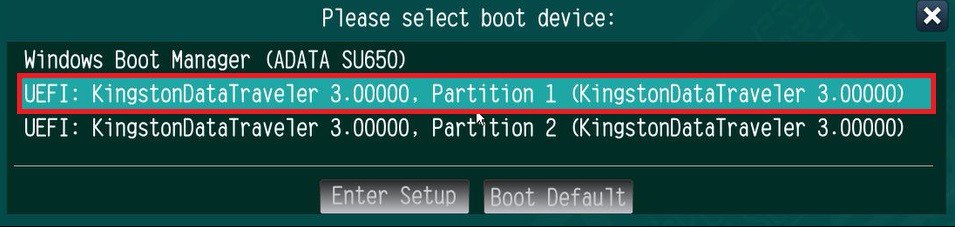 ” to install Windows® 10 64-bit / 11 64-bit OS">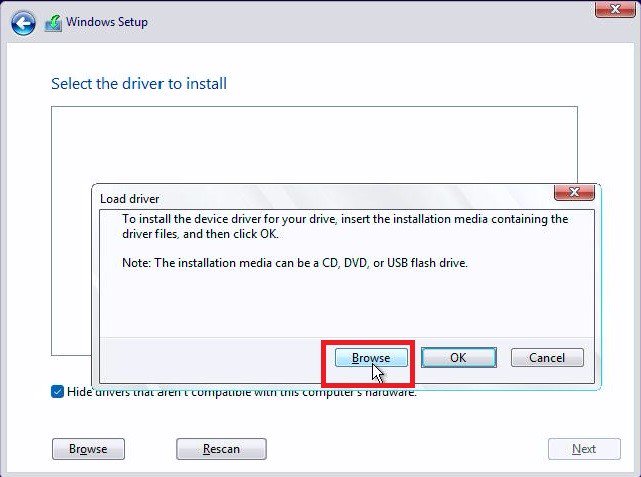
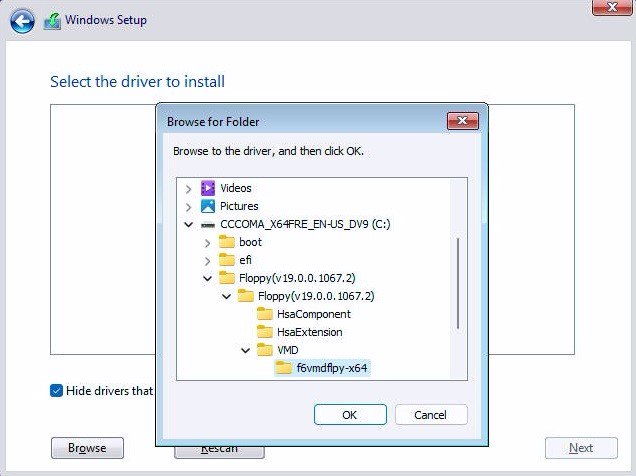
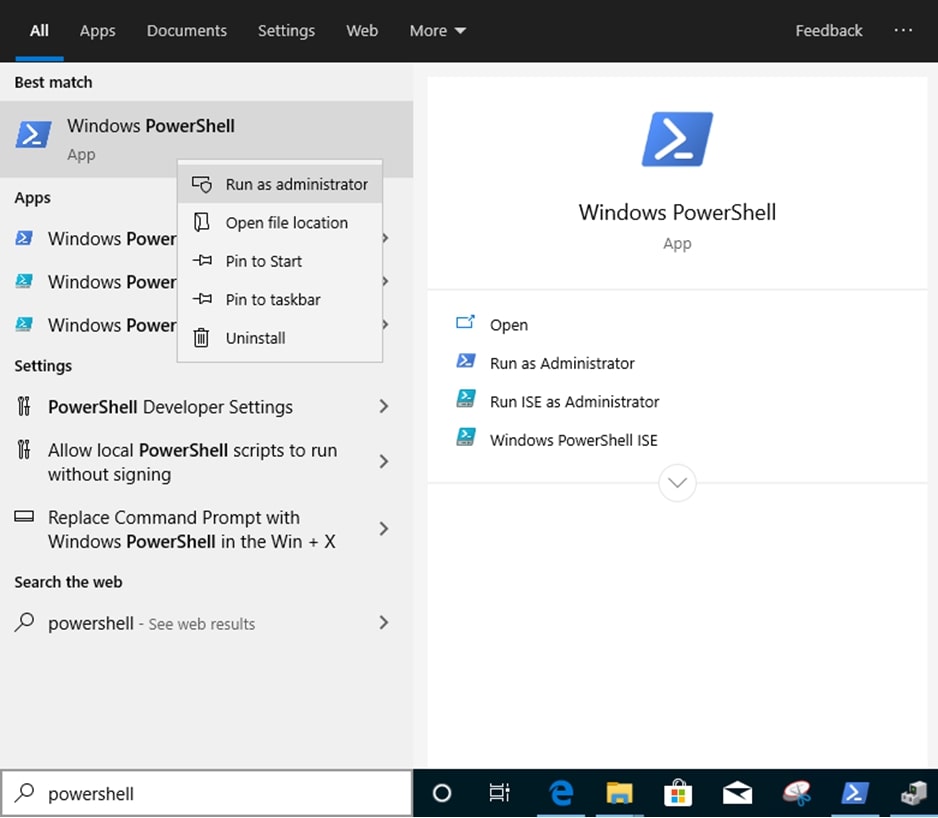
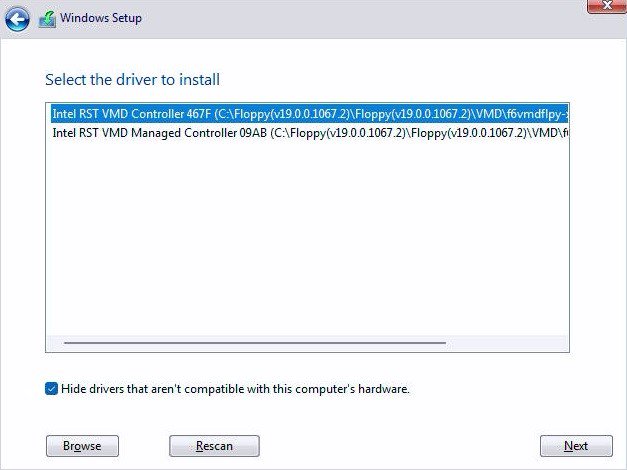 .">
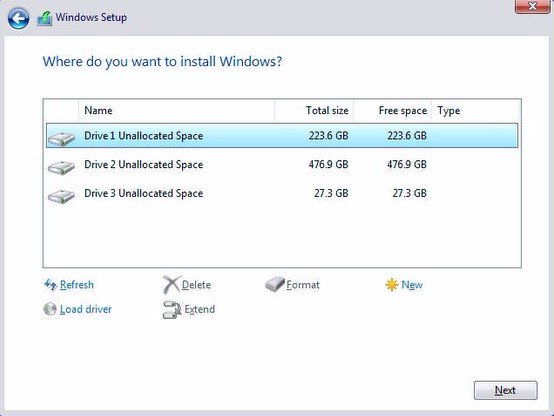
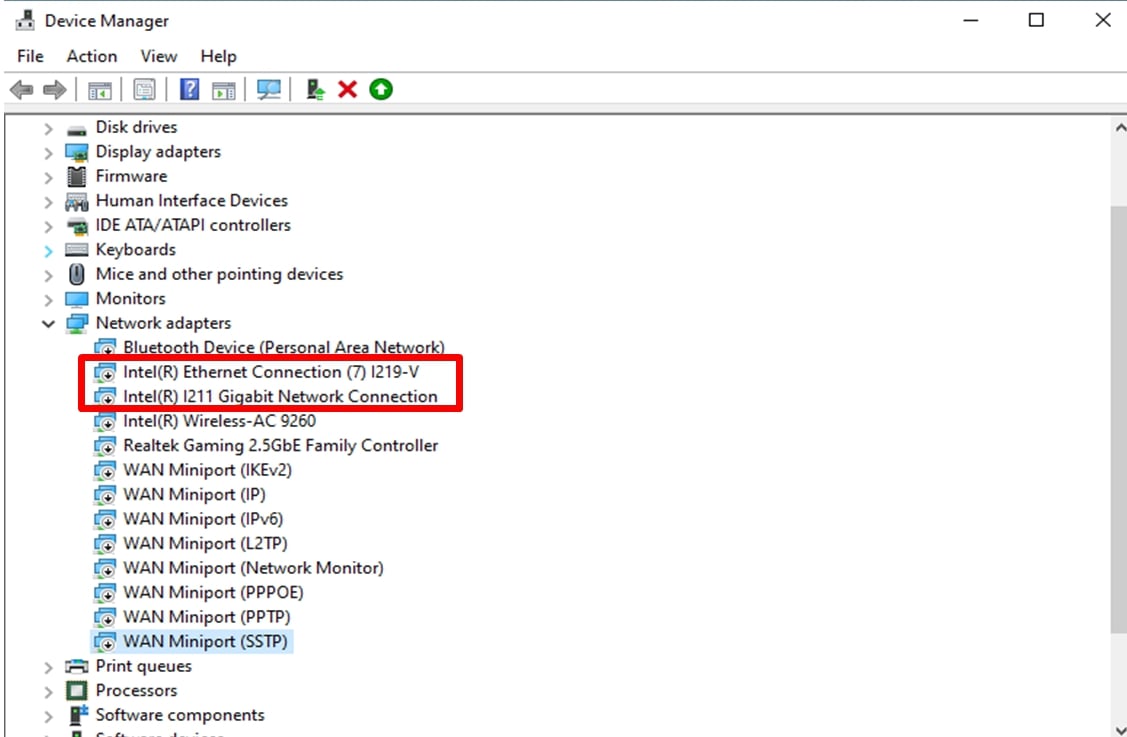
.">
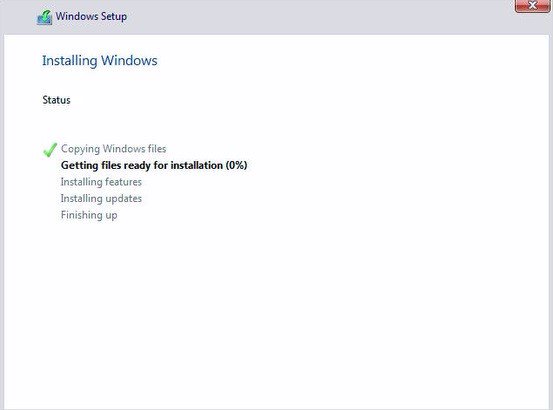
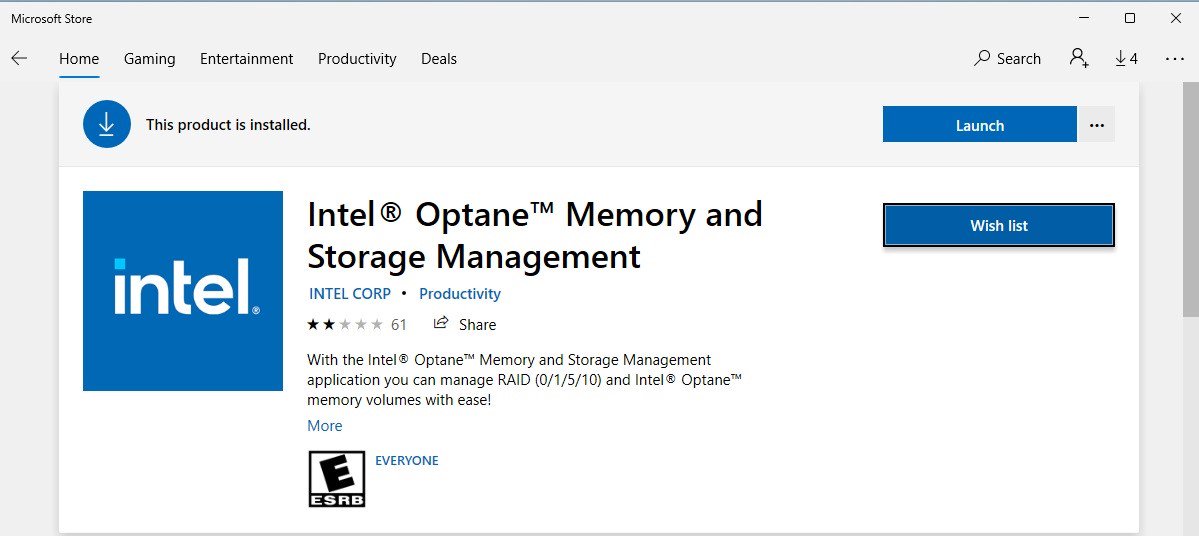
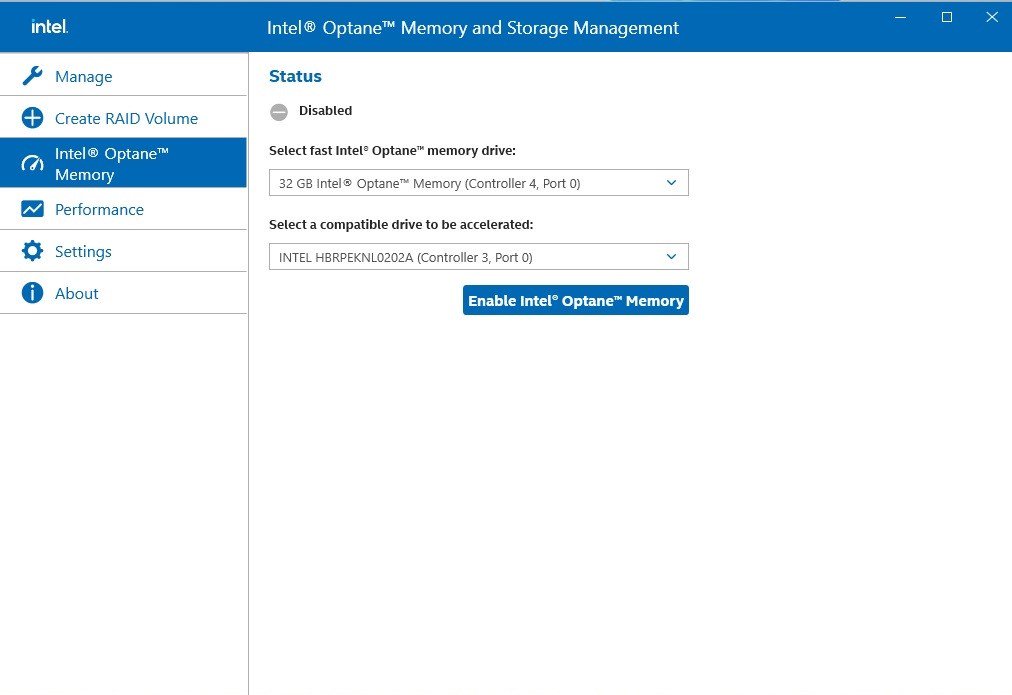
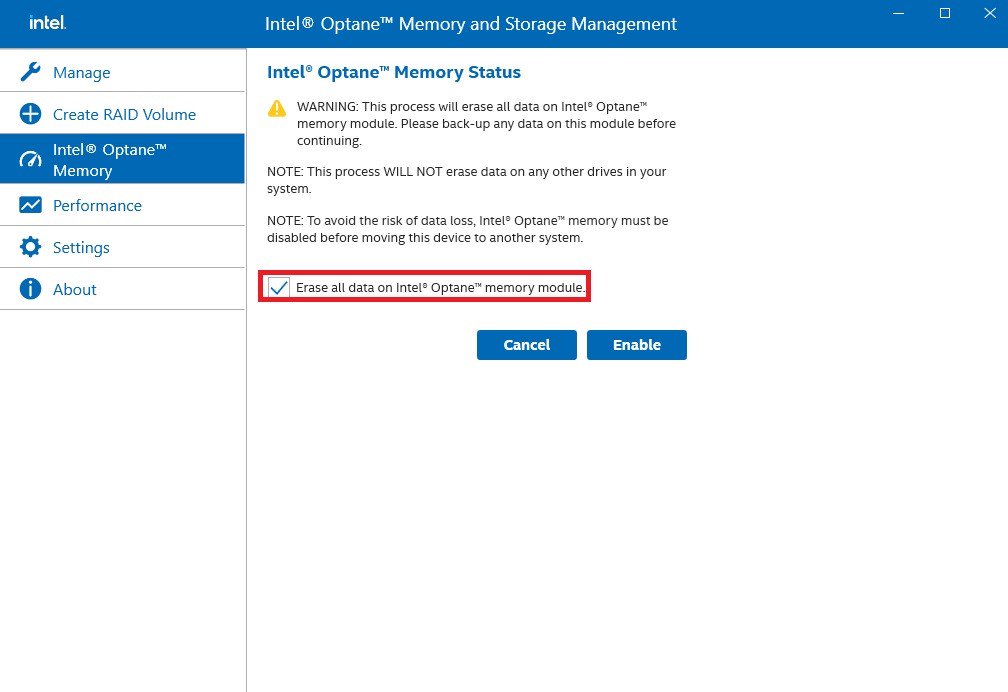
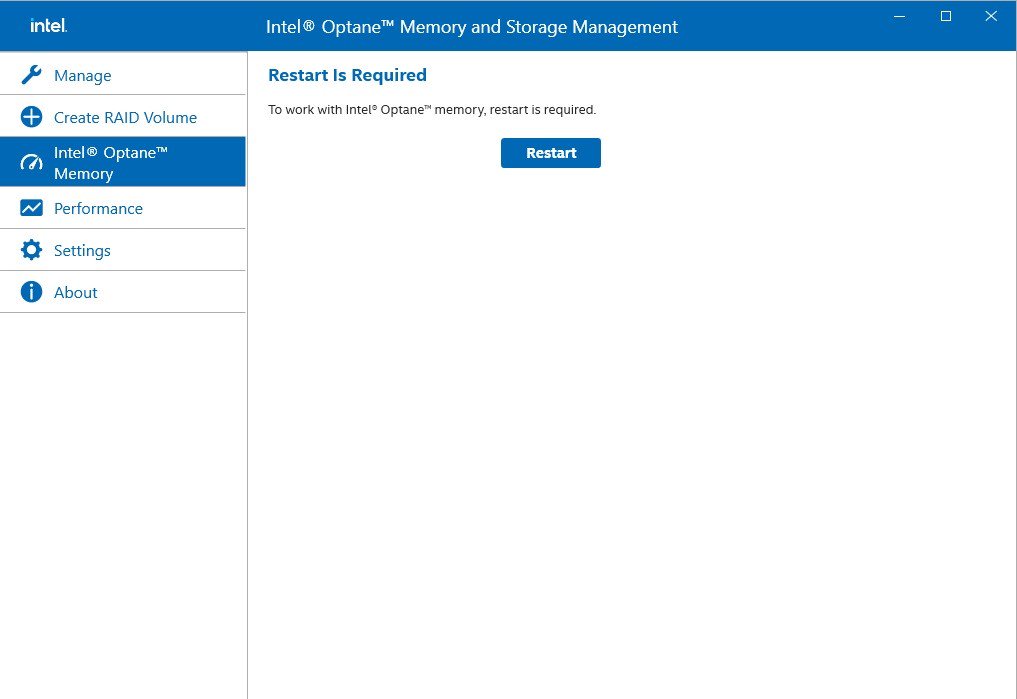
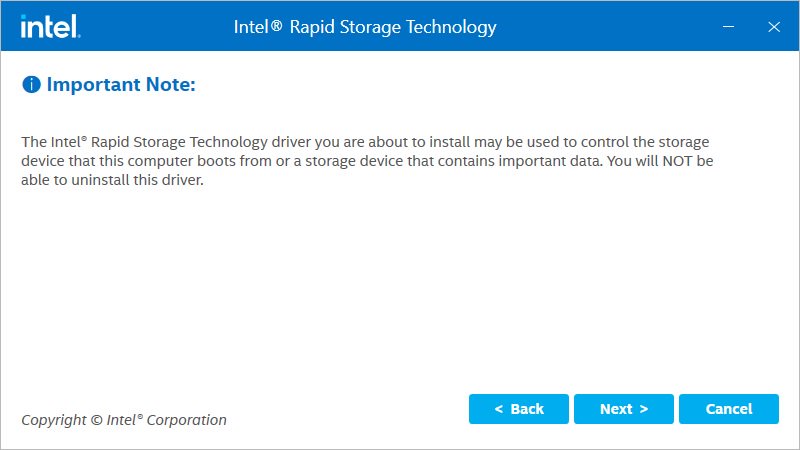
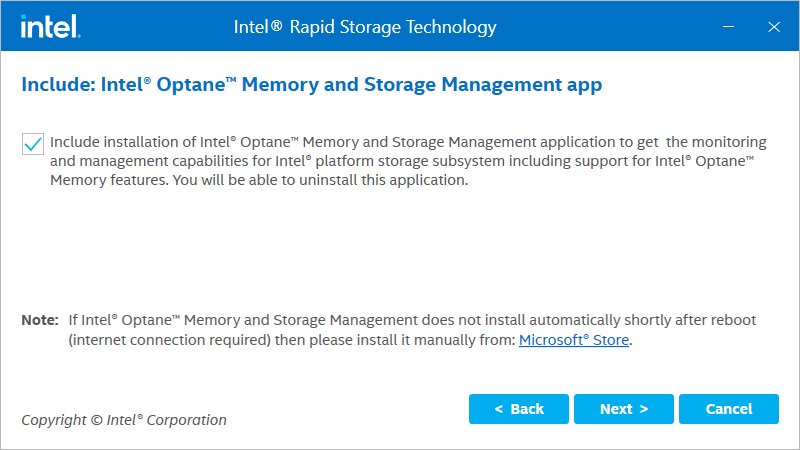
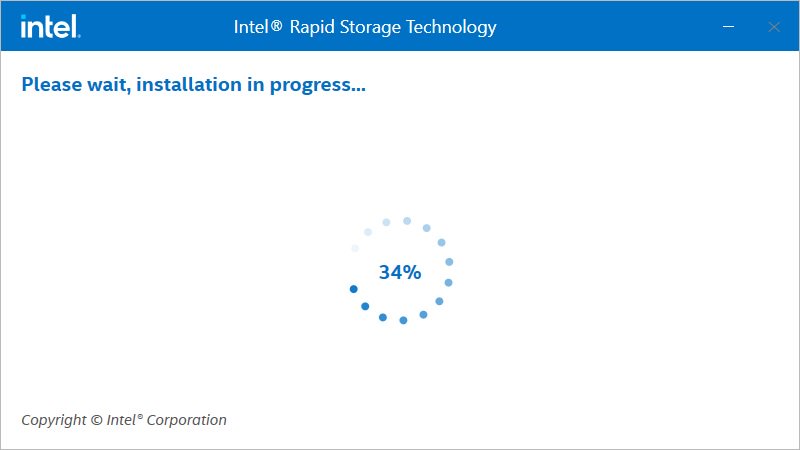
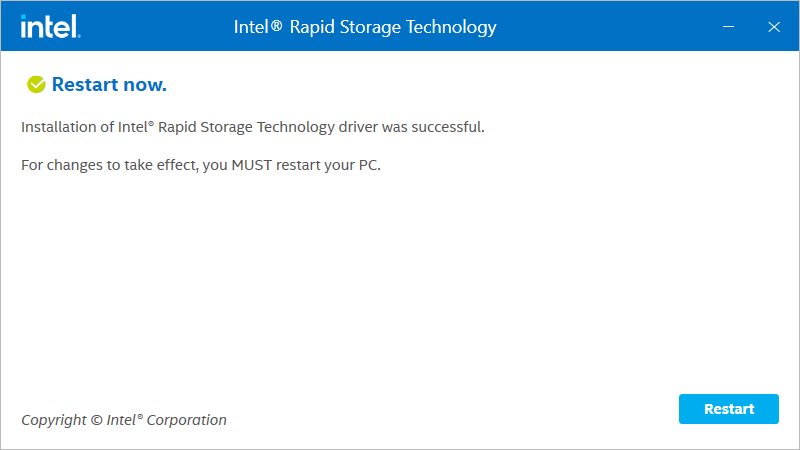
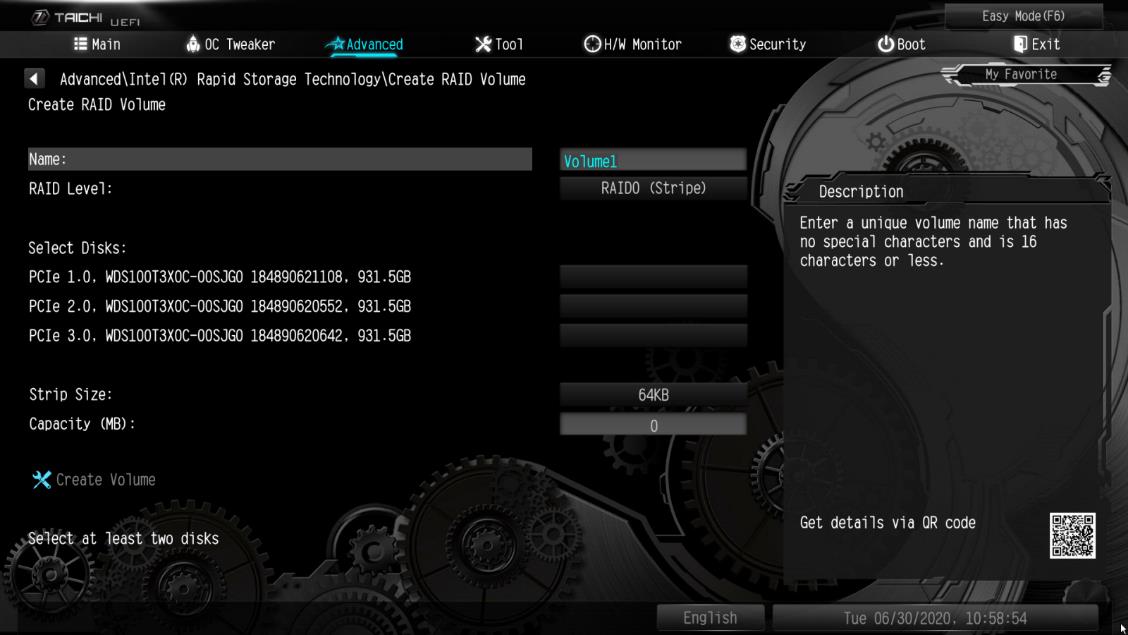
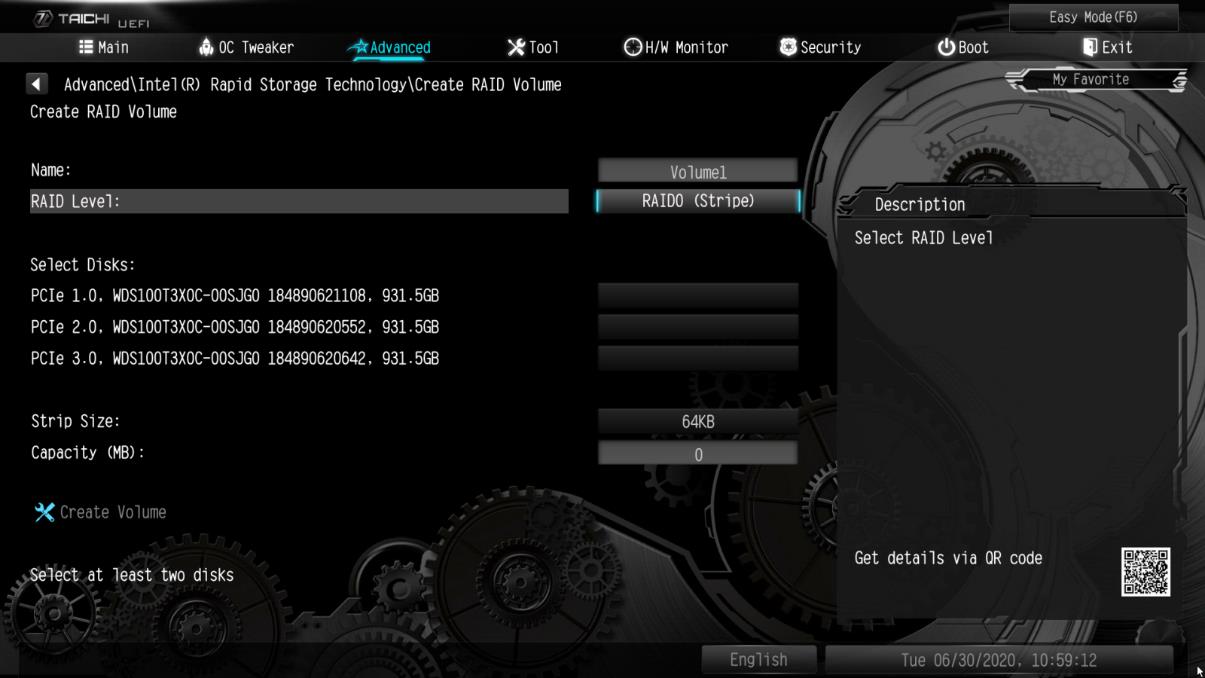
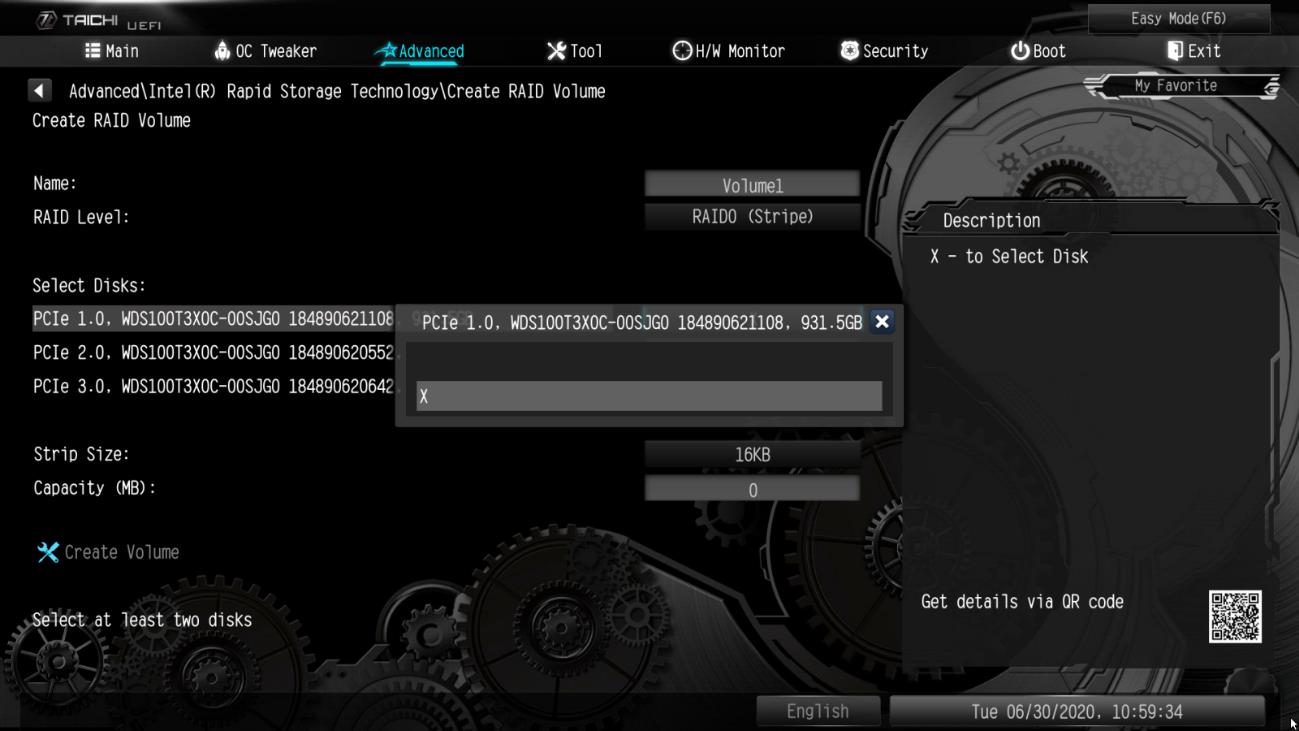
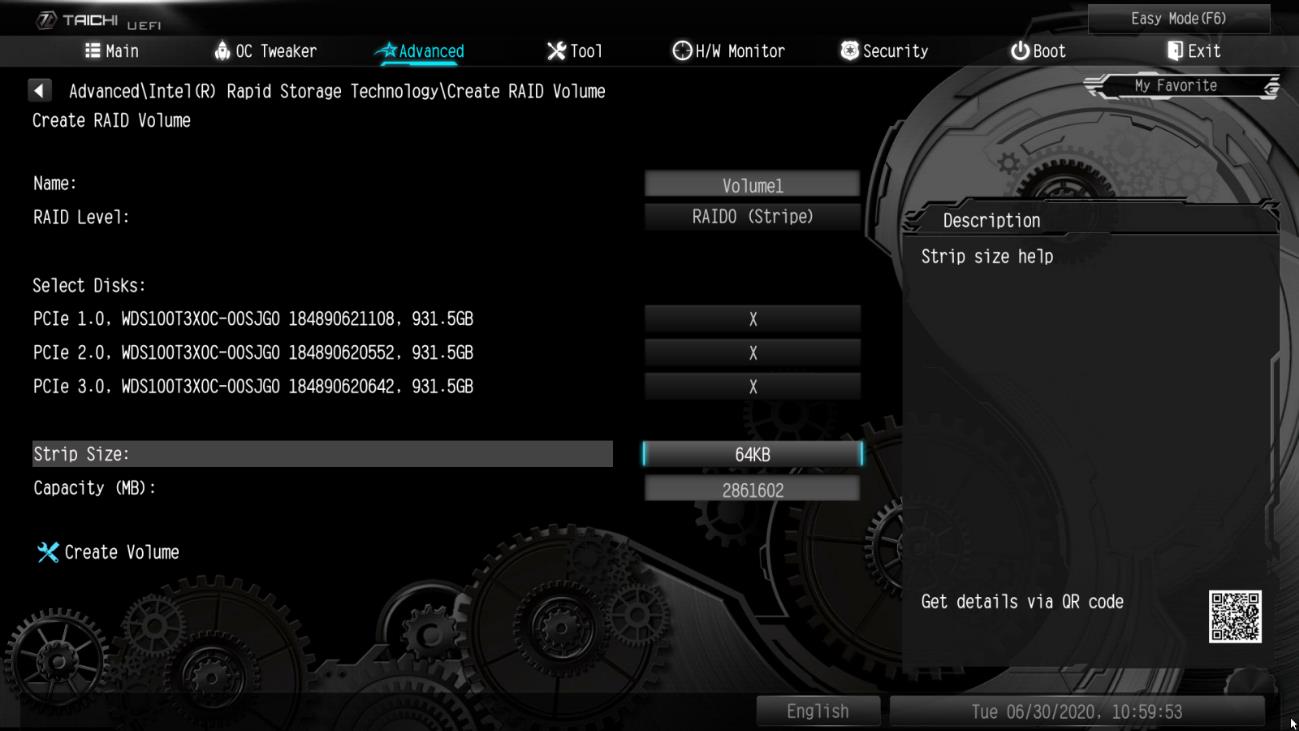






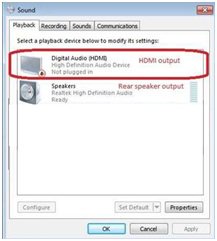
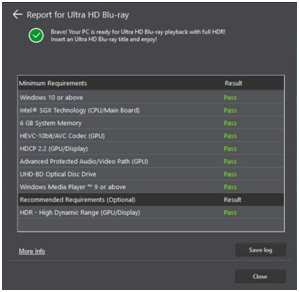
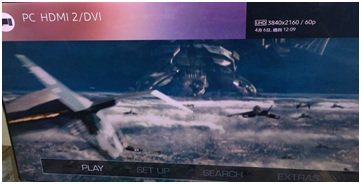
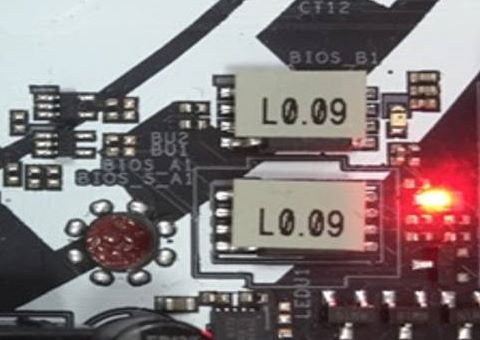
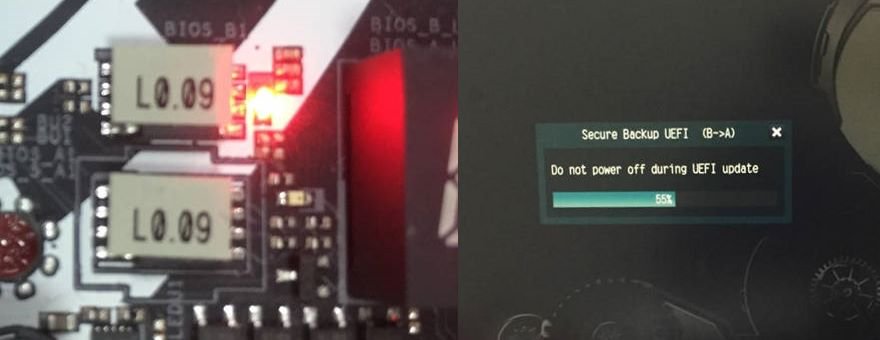
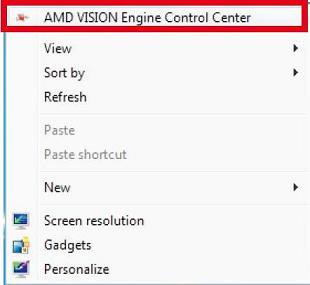
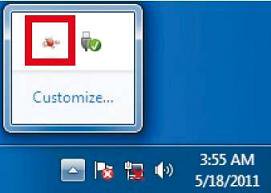
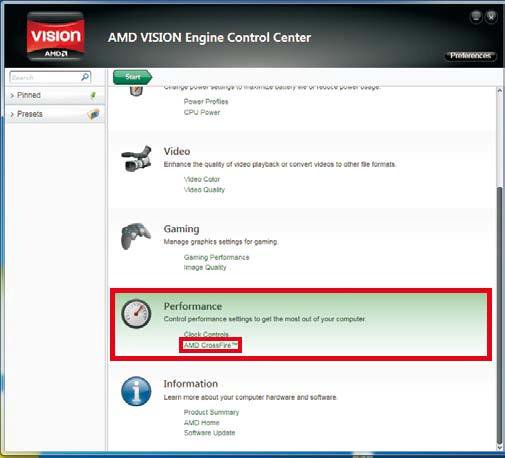

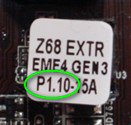
| Model | BIOS Version |
| H61M-VS R2.0 | P2.10 |
| H61M-HGS | P1.50 |
| H61M-HVS | P1.90 |
| H61M-HVGS | P1.70 |
| H61M/U3S3 | P1.70 |
| H61M-ITX | P1.60 |
| H61iCafe | P1.70 |
| H61DE/S3 | P1.70 |
| H61DE/SI | P1.70 |
| H61M-PS | P1.40 |
| H61M | P1.70 |
| H61DEL | P1.70 |
| H61M-GE | P1.70 |
| P65iCafe | P1.40 |
| H61M-VS | P2.10 |
| H61M-S | P1.50 |
| H61M-GS | P1.50 |
| Model | BIOS Version |
| Fatal1ty Z68 Professional Gen3 | P2.10 |
| Z68 Extreme3 Gen3 | P2.10 |
| Z68 Extreme4 Gen3 | P2.10 |
| Z68 Extreme7 Gen3 | P2.10 |
| Z68 Pro3 | P2.10 |
| Z68 Pro3 Gen3 | P2.10 |
| Z68 Pro3-M | P2.10 |
| Z68M/USB3 | P2.10 |
| Z68M-ITX/HT | P2.20 |
| Z68 Extreme4 | P2.20 |
| Model | BIOS Version |
| Fatal1ty P67 Performance | P2.10 |
| Fatal1ty P67 Professional | P3.10 |
| P67 Extreme4 | P3.10 |
| P67 Extreme4 Gen3 | P2.10 |
| P67 Extreme6 | P2.10 |
| P67 Pro | P2.10 |
| P67 Pro3 | P3.10 |
| P67 Pro3 SE | P2.10 |
| Model | BIOS Version |
| H67DE3 | P2.10 |
| H67M | P2.10 |
| H67M-GE | P2.10 |
| H67M-GE/HT | P2.10 |
| H67M-ITX | P2.10 |
| H67M-ITX/HT | P2.10 |
![press [F2] or [Delete] when ASRock boot logo showing up](/support/faq/201202-5.jpg)
![click on the [How to update] icon in the corresponding row](/support/faq/201202-7.jpg)