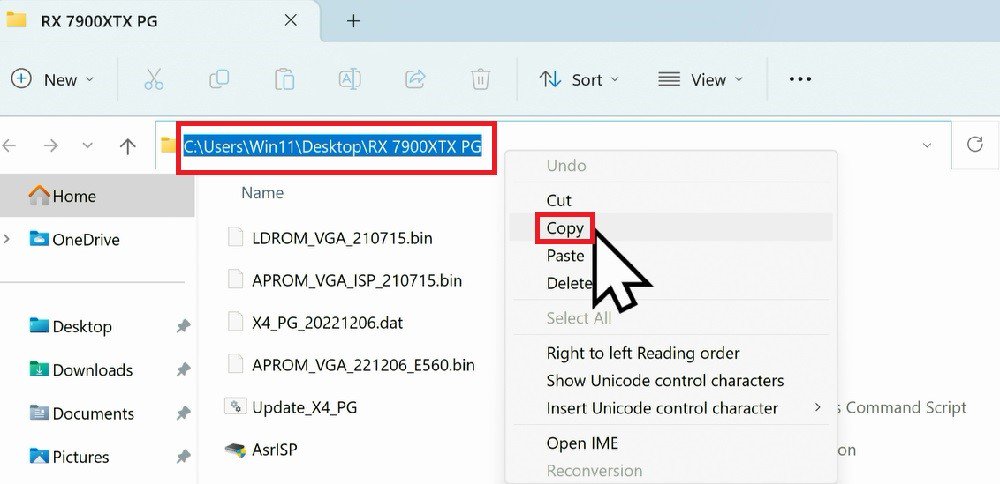
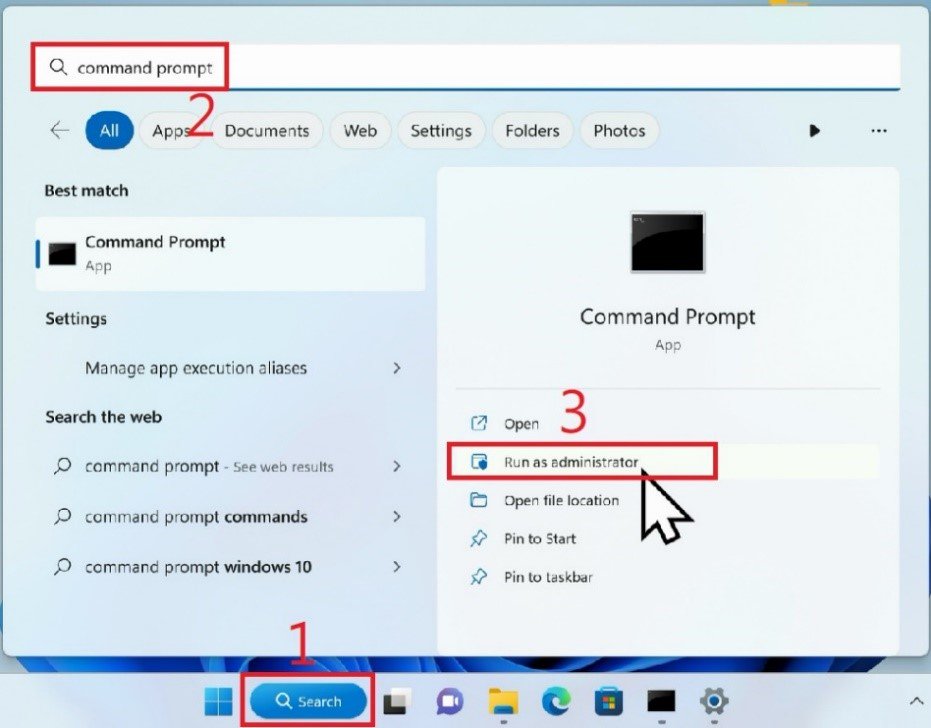
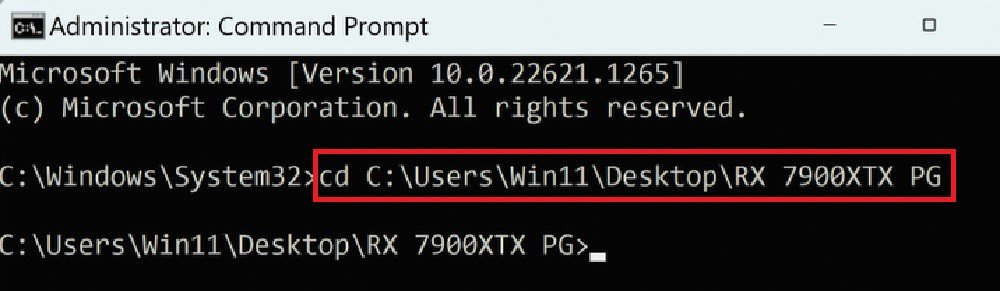
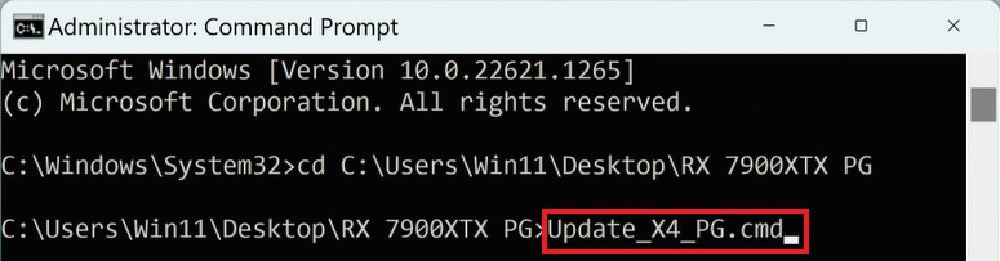
Q: 인텔 Z890 시리즈에서 LED 조명이 작동하지 않고 BIOS에서 ASRock Polychrome RGB를 조정해도 효과가 없는 경우 어떻게 해야 합니까?(11/29/2024) A: 인텔 Z890 시리즈의 LED 조명이 작동하지 않는 경우, ASRock 공식 웹사이트를 방문하여 사용하고 있는 윈도우 버전에 적합한 ASRock Polychrome RGB 버전 2.0.190 이상을 다운로드하세요.
Q: I cannot control the RGB lighting via RAZER Synapse on my X570/B550 Taichi Razer Edition motherboard. How do I solve this problem?(1/1/2021) A: Please flash the RGB controller firmware by following the steps below.
Step 1.
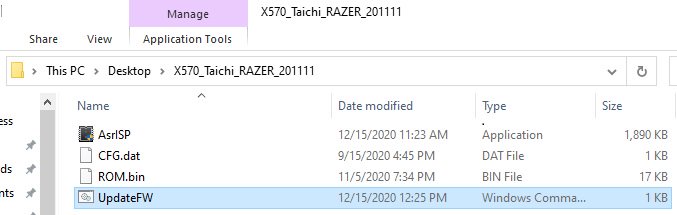
Download the firmware file from ASRock website and extract the compressed file.
Step 2.
Execute "UpdateFW.cmd” to update the RGB controller firmware.
Step 3.
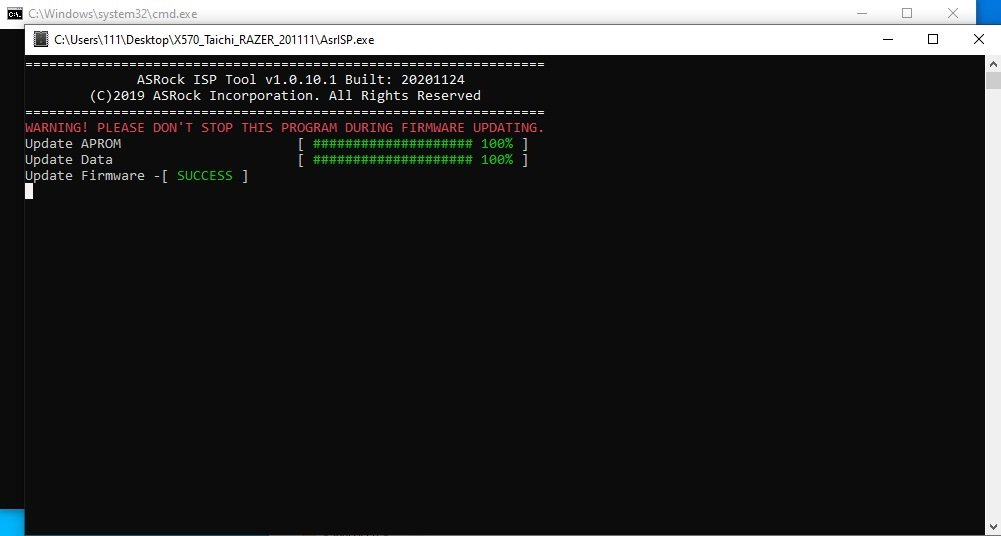
After step 2 please wait for 10 seconds or so and the firmware flash will finish.
Step 4.
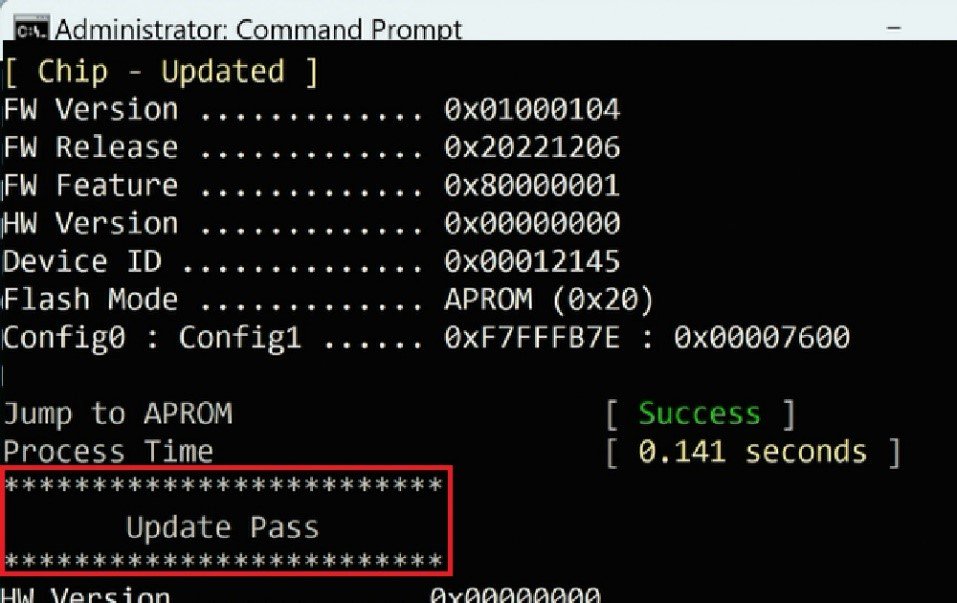
After the message "update firmware SUCCESS” is shown please restart your system.
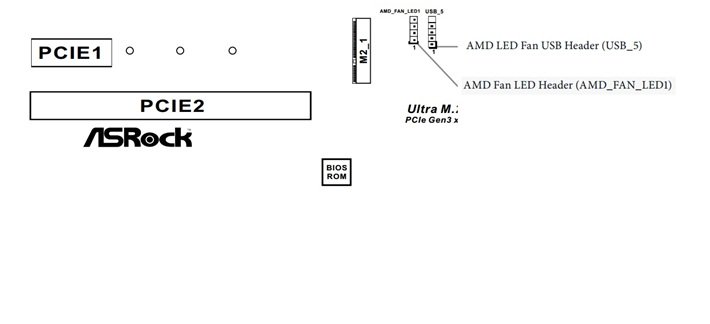
Q: AM4 시리즈 플랫폼에서 AMD Wraith RGB 쿨러 색상을 어떻게 바꾸나요?(4/1/2017) A: AMD Wraith RGB 조명 쿨러가 설치되었고 조명을 사용자 설정으로 바꾸고 싶다면, 아래의 AM4 머더보드 처럼 CPU 쿨러 케이블을 AMD Fan LED 헤더 또는 RGB LED 헤더에 연결하고, ASRock RGB LED 버전:1.0.12 유틸리티 또는 조명 효과 조정에 관한 최신 버전을 다운로드 하세요.
 메뉴
메뉴