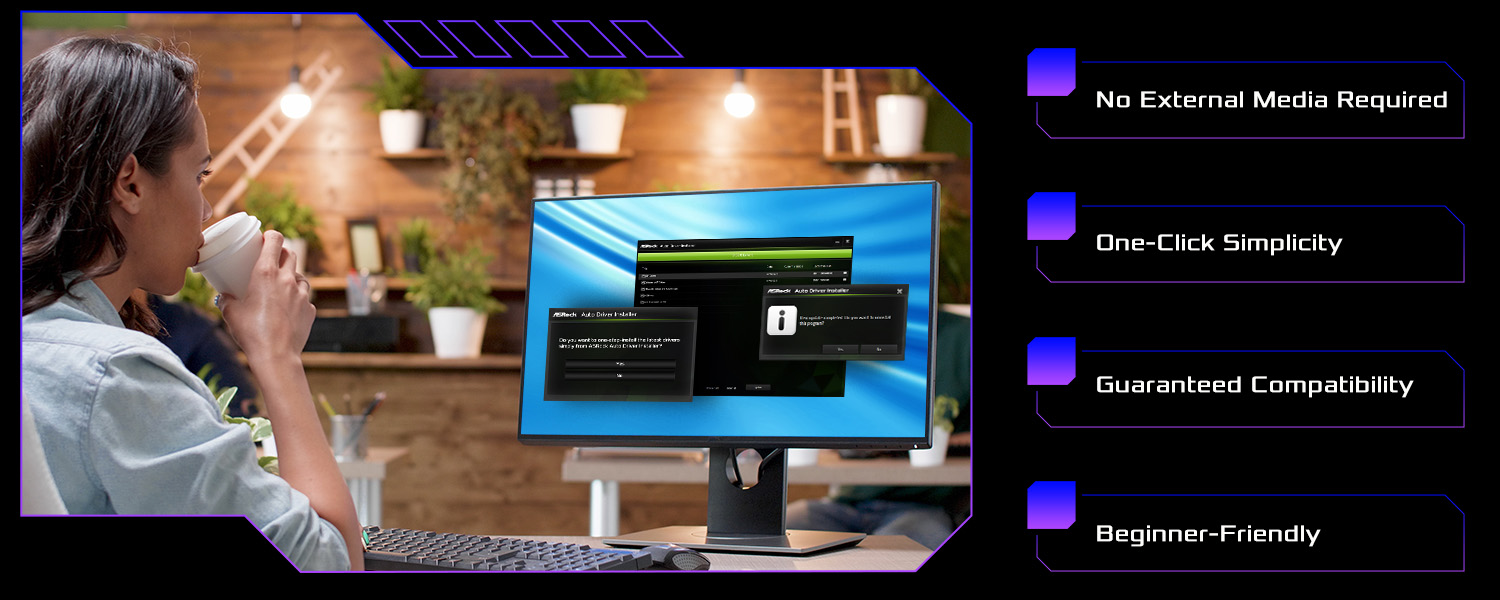
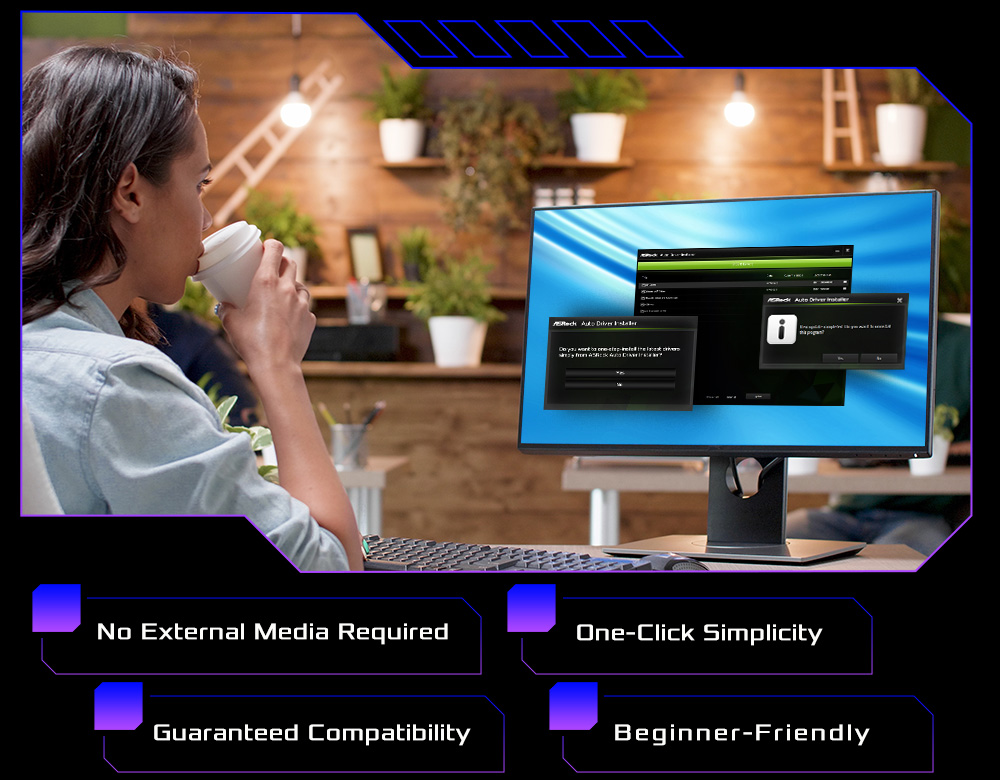
Why It Matters
Setting up a new PC shouldn't be a struggle. Most modern systems no longer include optical drives, and users often find themselves in a frustrating dilemma: you need the internet to download drivers, but you need the LAN driver to get on the internet.
Manual driver installation is not only tedious but can lead to compatibility issues if the wrong version is selected.
How It Works
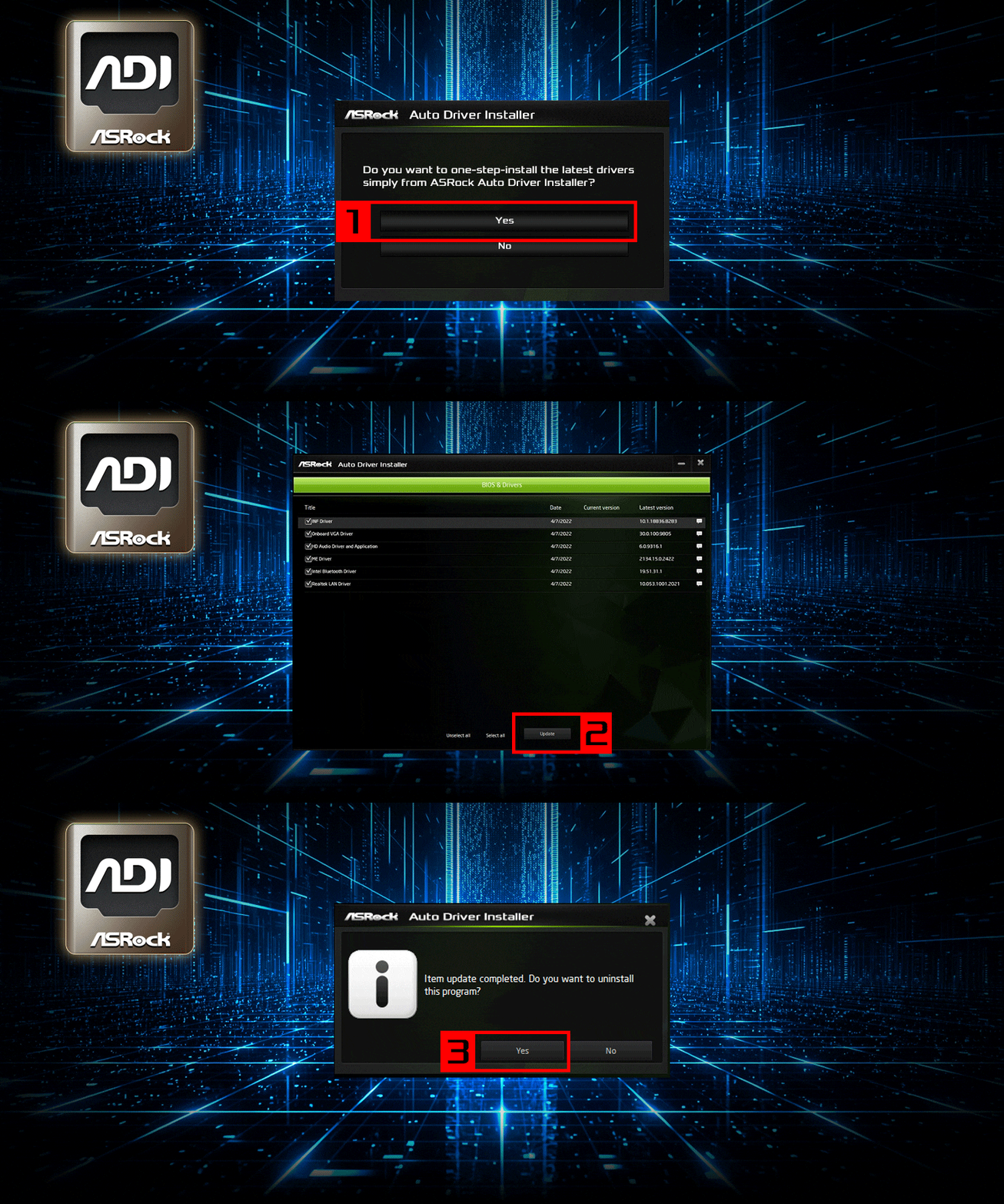
ASRock eliminates the need for support CDs or external USB drives by pre-installing the LAN driver directly into the BIOS ROM. As soon as you enter the OS and connect to the internet, ADI takes over:
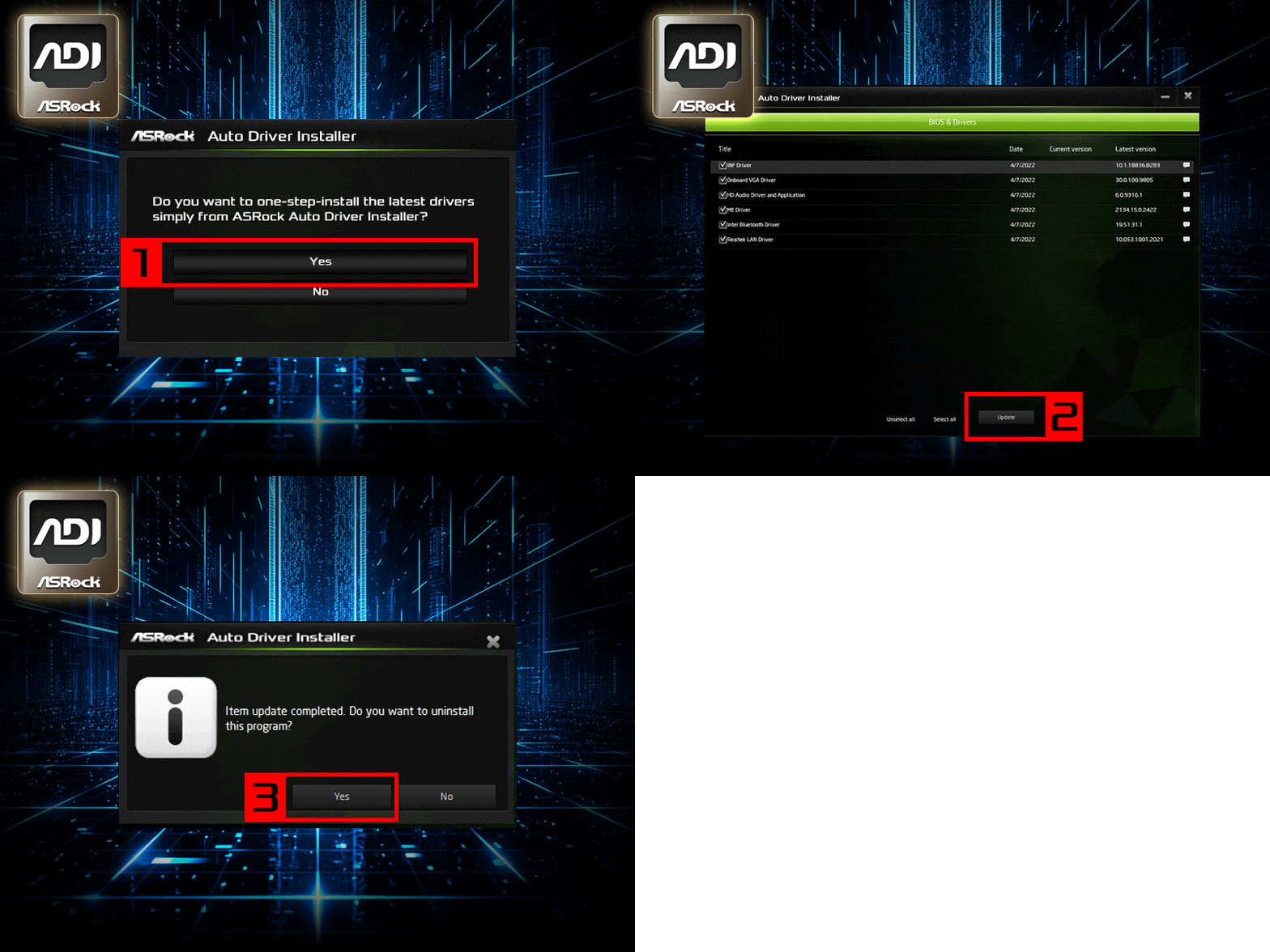
★ Step 1: Auto-Detect –
An ADI pop-up application appears automatically upon the first boot.
★ Step 2: Smart Selection –
The utility identifies your hardware and lists all necessary drivers and essential software.
★ Step 3: One-Click Operation –
Simply click "Install" button and the system handles the downloading and installation in the background.